· 6 min read · updated
Lay Your First Model Train Loop
How to build a model train loop in Traluno: twelve pieces of track, the order to lay them in, and the three mistakes that stop a first loop running.
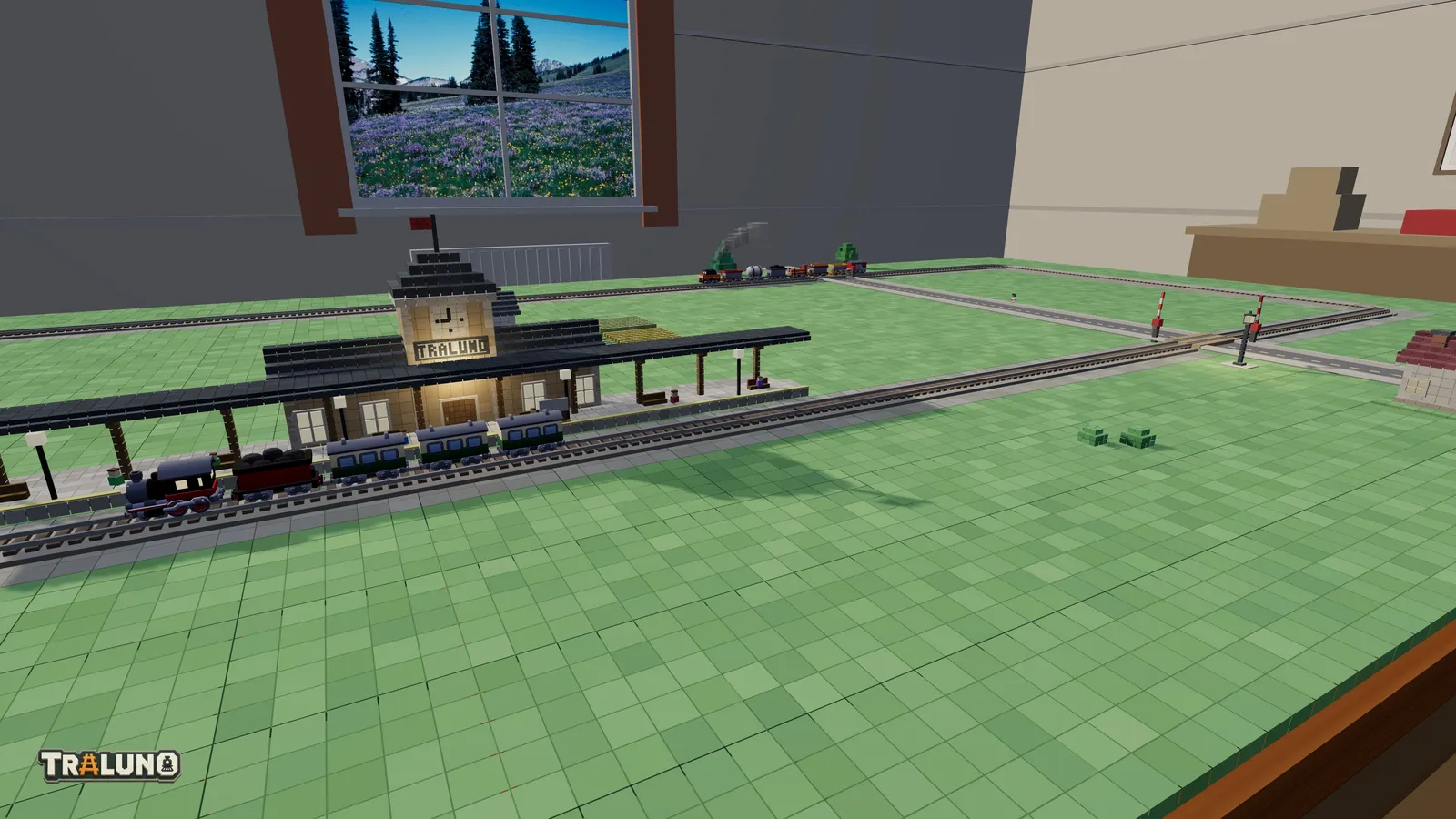
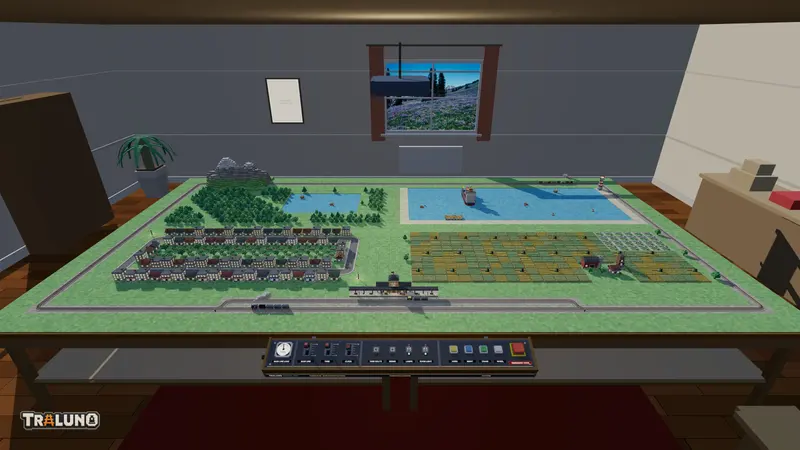
This is how to build a model train loop from a bare table to a train going round. The default layout comes with track already down, which is useful for seeing what the game does and useless for learning how it works, so start somewhere empty. Sign in, which is free, open your profile and press + New layout, then Create and open: a new layout starts on one bare table. An extra table from the shop gives you an empty board too, and from one table to four covers how they join. (Reset is no help here: it puts the demo scene back.)
The shape to aim for
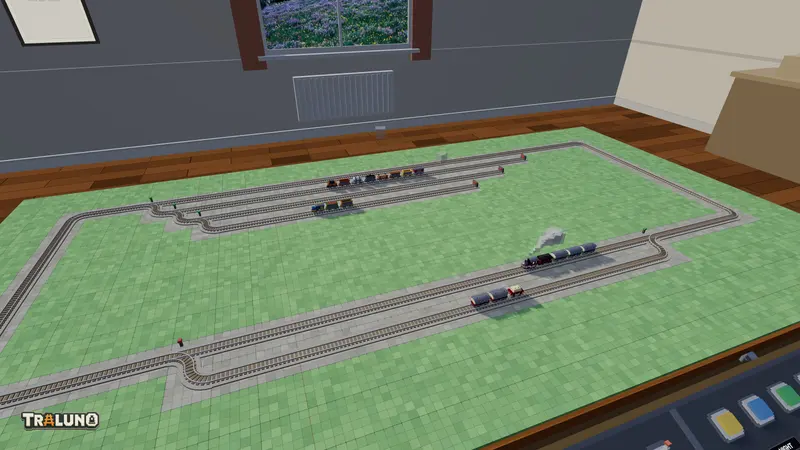
Not a circle. Four curves make one, two cells across, and there is nowhere on it to put anything. An oval with straight sides is easier to extend and looks far better from the front edge, because the long straights give a train time to be seen.
Aim for something like this: two straights of four pieces each along the long axis of the table, left to right as you face it, joined at each end by two curves. That is four curves in all and twelve pieces, or more if you are generous with the straights. Drawn a character to a cell, with - for a straight and / and \ for the curves:
/----\
\----/
Leave two cells between the track and the table edge. You will want that strip later for a platform, a road or a fence, and reclaiming it means moving the whole loop. The same oval stretched round the whole table, sixty-eight pieces of it, is the first plan in model train track plans, and the passing loop and figure eight there grow out of it.
How to build a model train loop: curves first
This is the part that is not obvious. Straights are forgiving; you can add or remove one at any time. Curves are not. Each one is a fixed quarter turn inside a single cell, and where the four corners sit decides how long the straights are and how far apart they run.
So in Track mode, put down the four corner curves first, and only then connect them with straights; dragging a Straight lays a whole run of them. If you lay the straights first you will almost always find the curves do not meet them, and erasing and relaying takes longer than starting over would have.
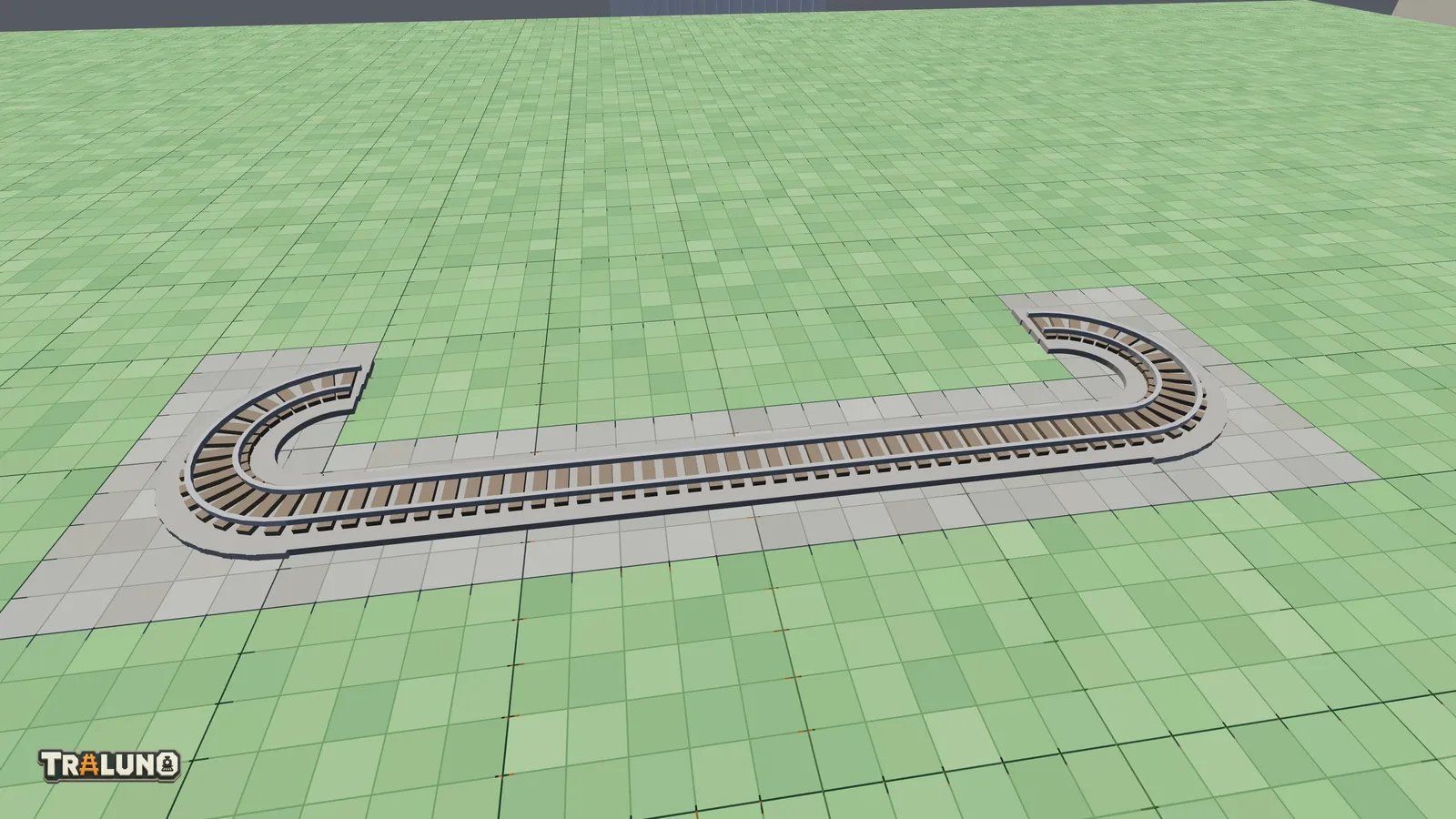
Curves come in one radius, so the geometry of your ends is fixed and you are only choosing where they sit. The post about sweep radius explains why there is no second one.
Press R more than you think
Rotation is the single most-used control in Track mode and the one beginners forget. A curve has four orientations and only one of them continues the loop you are building. Hover, press R until the ghost lines up with the piece before it, then place.
On a phone there is no R key, so the header of the catalogue panel has a ↻ Rotate button. It does the same thing.
The three things that stop a loop running
A break in the rails, a curve turned the wrong way, and no train at all. The first two give themselves away in the same manner: a train that runs out of rails reverses, so a train shuttling back and forth over one stretch instead of going round has found a fault for you.
A cell the drag skipped. Dragging lays a straight in each cell the pointer is seen in, so a fast flick across the table can jump one, and a drag silently leaves out any cell where the piece cannot go. To find the break, open 🎛 Control and tick Track plan: it draws the layout from above, and a missing cell is a gap in the line. Click the empty cell to fill it.
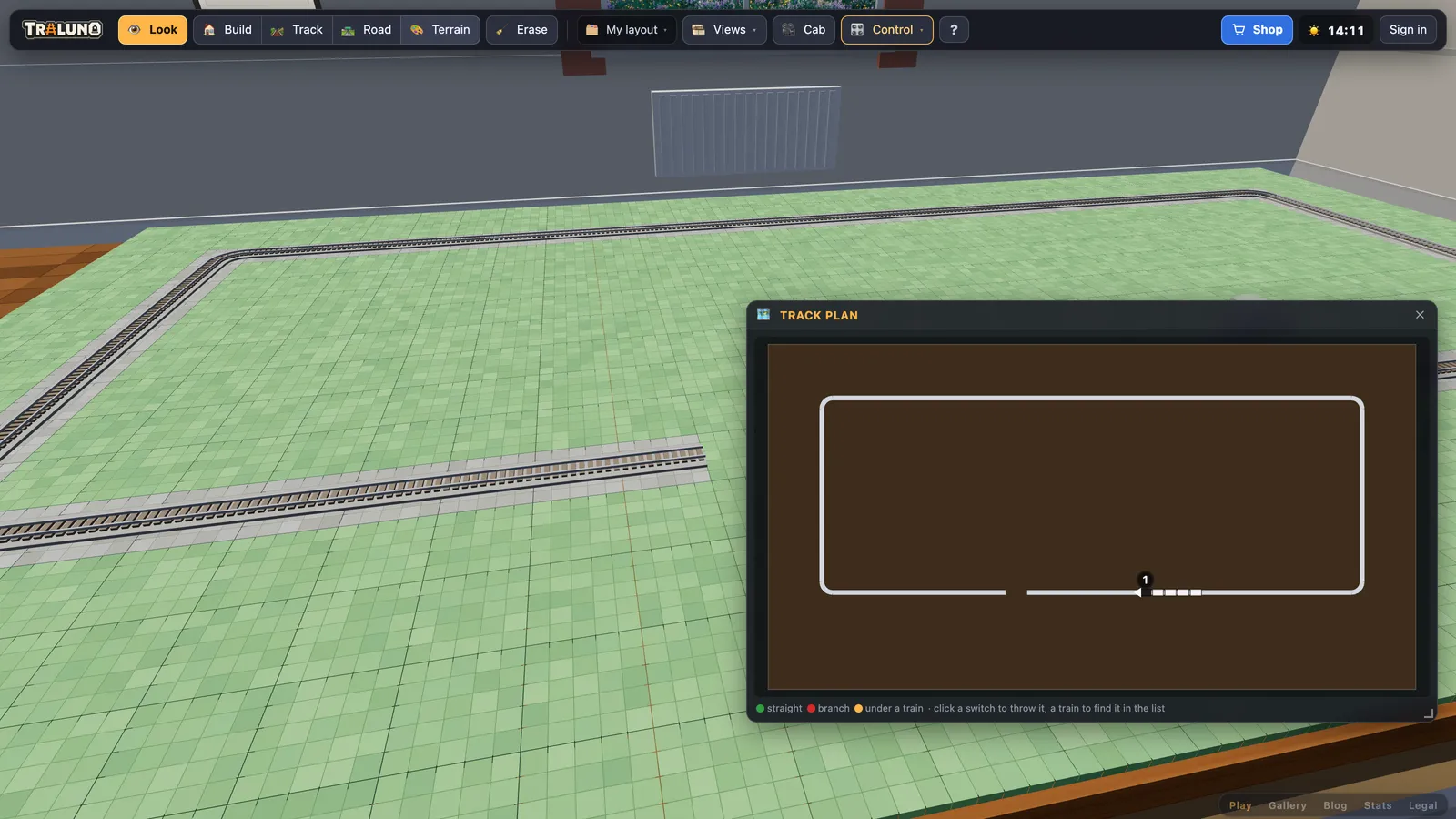
A curve facing the wrong way. A loop that reads correctly at one end but has a curve mirrored at the other makes an S rather than a U, and the S leads off into bare table. The train reaches the end of the rails there and turns back. The Track plan shows this too, or look along the track from low down, where an S-bend is unmistakable.
No train on it. Track alone does nothing. The trains are in the Trains section of the Track mode catalogue: pick one and click a track cell. Click bare table instead and the ghost turns red and the game tells you it does not fit, rather than silently doing nothing.
Then make it a railway
A loop that runs is not yet interesting. Three free additions turn it into something worth looking at, and none of them needs more track.
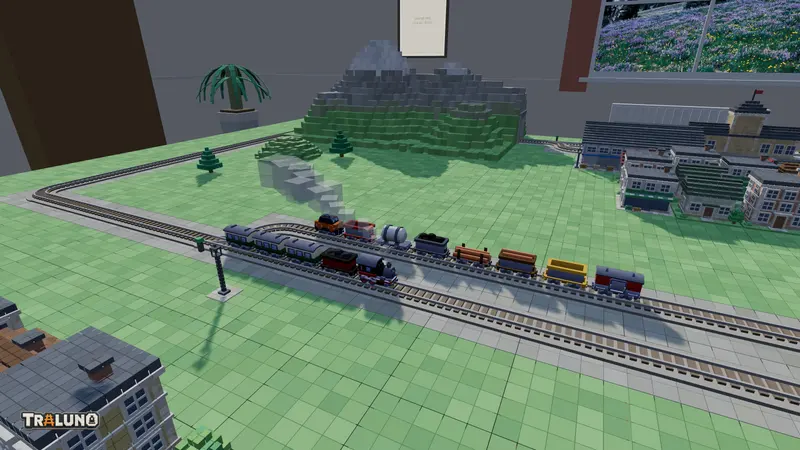
A station on a straight. The Station is in Build mode, seven cells long, and it belongs alongside a straight with its platform to the track, both because a platform on a curve leaves a dangerous gap in real life and because a train stopped on a straight is a better silhouette from the front edge. It is also a stop: the Steam Express and the other passenger trains halt for four seconds at the track beside the middle of the platform, while the freight trains and shunters run straight through. The Track plan outlines that cell in amber, so you can check the stop is on the line.
A level crossing where a road meets it. In Road mode, lay a Street across one of the straights and that cell becomes a level crossing with gates. Watching the booms come down for a train is most of the reward of building a layout at all.
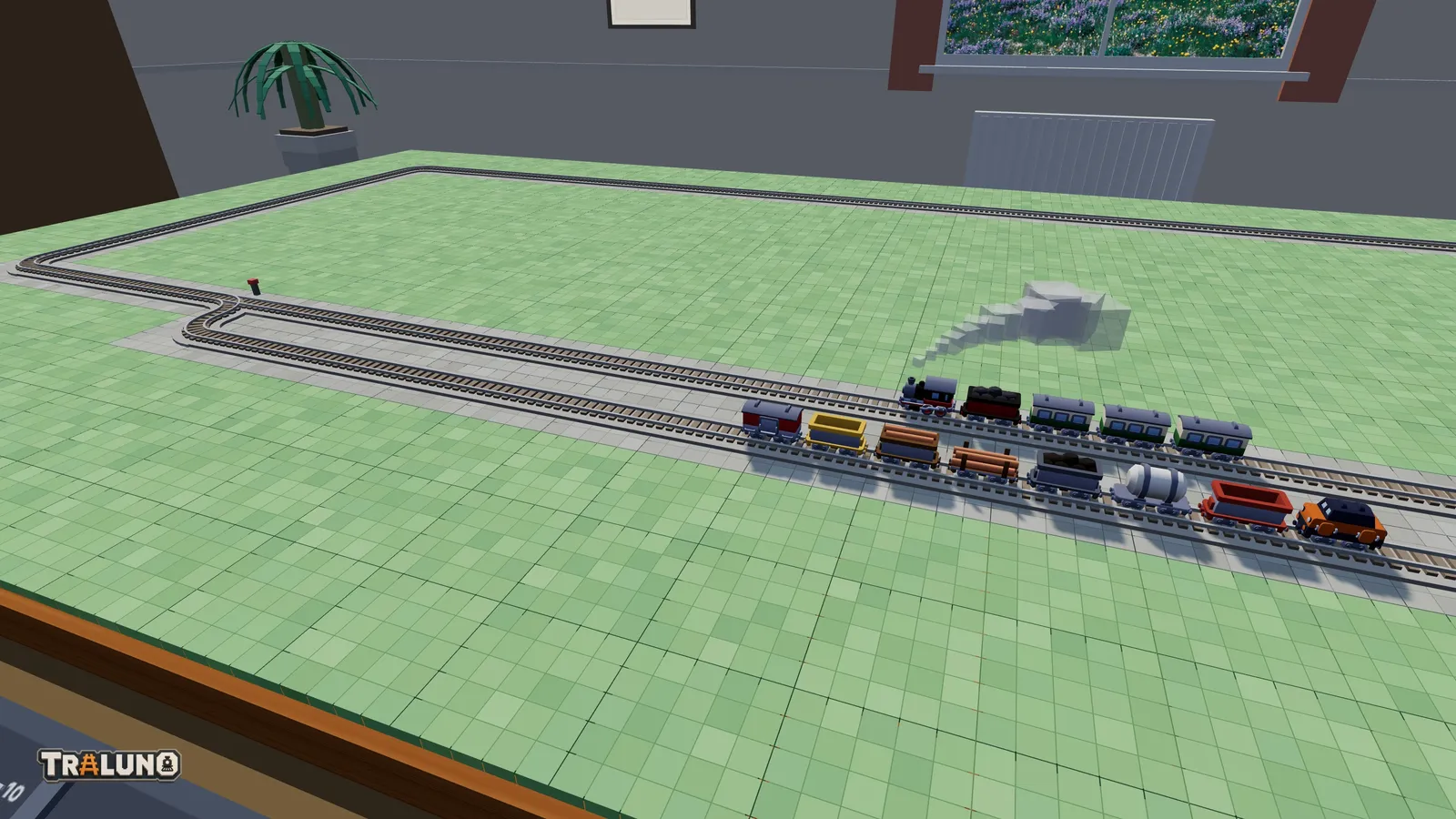
A second train going the other way. Press R before you place it to face it round. Two trains on one loop is where a railway stops being a toy and starts being a system. They will meet: each stops, waits about eight seconds and backs away, and then they meet again on the far side. Working out where to put a passing loop so they do not is the whole hobby in one problem.
When to add a switch
Not yet. Switches are the point where a layout stops being a circuit and becomes a network, and a network with one train on it is a network you cannot see working.
Get the oval running with two trains first and watch them meet. Then turn one straight into a passing loop: a Switch (left) and a Switch (right) with a second track between them. The switch is immediately doing something you can watch, taking one train out of the way so the other can pass, and ■ Stop in the Trains window holds a train in the loop until the other is through. The second plan in model train track plans draws it cell by cell, and controlling trains and switches covers the windows that set the switches. Added before the second train, a switch is just a piece of track that sometimes sends your only train somewhere pointless.
- guide
- track
- beginner