· 7 min read
From One Model Train Table to Four
Every Traluno layout starts on one 3 m by 1.6 m model train table. How extra tables join it, the shapes they make, and how that compares with a 4x8.
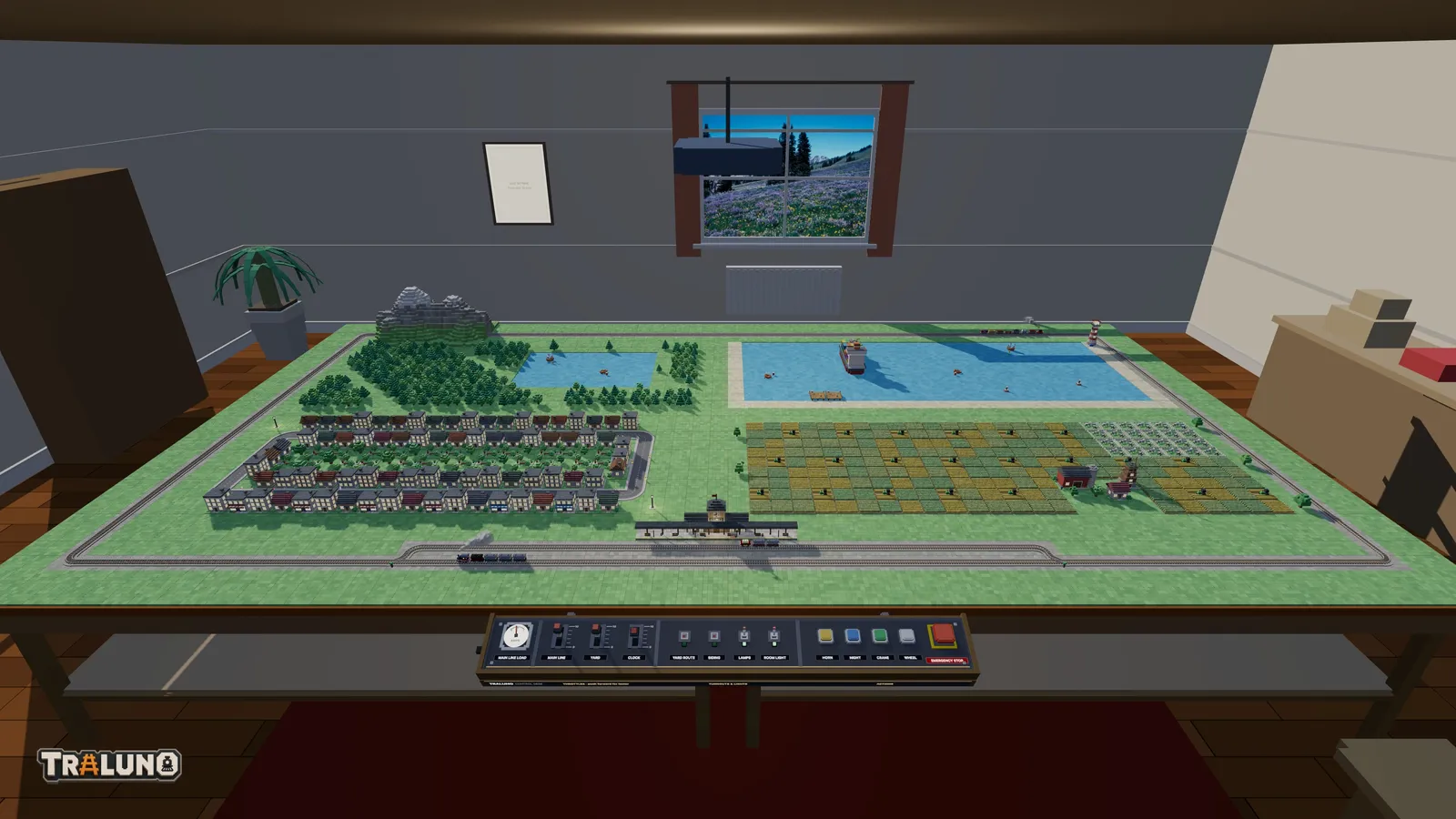
Every Traluno layout starts on one model train table and can grow to four. This covers what the first table holds, how more of them join it, which shapes are allowed, what rearranging does to a model railroad layout that is already built, and how the result compares with two shapes from the real hobby: the 4x8 sheet and the L.
The model train table you start with
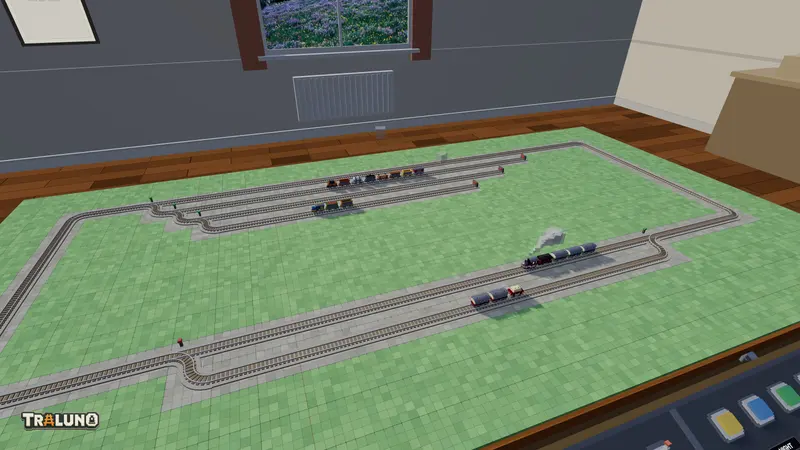
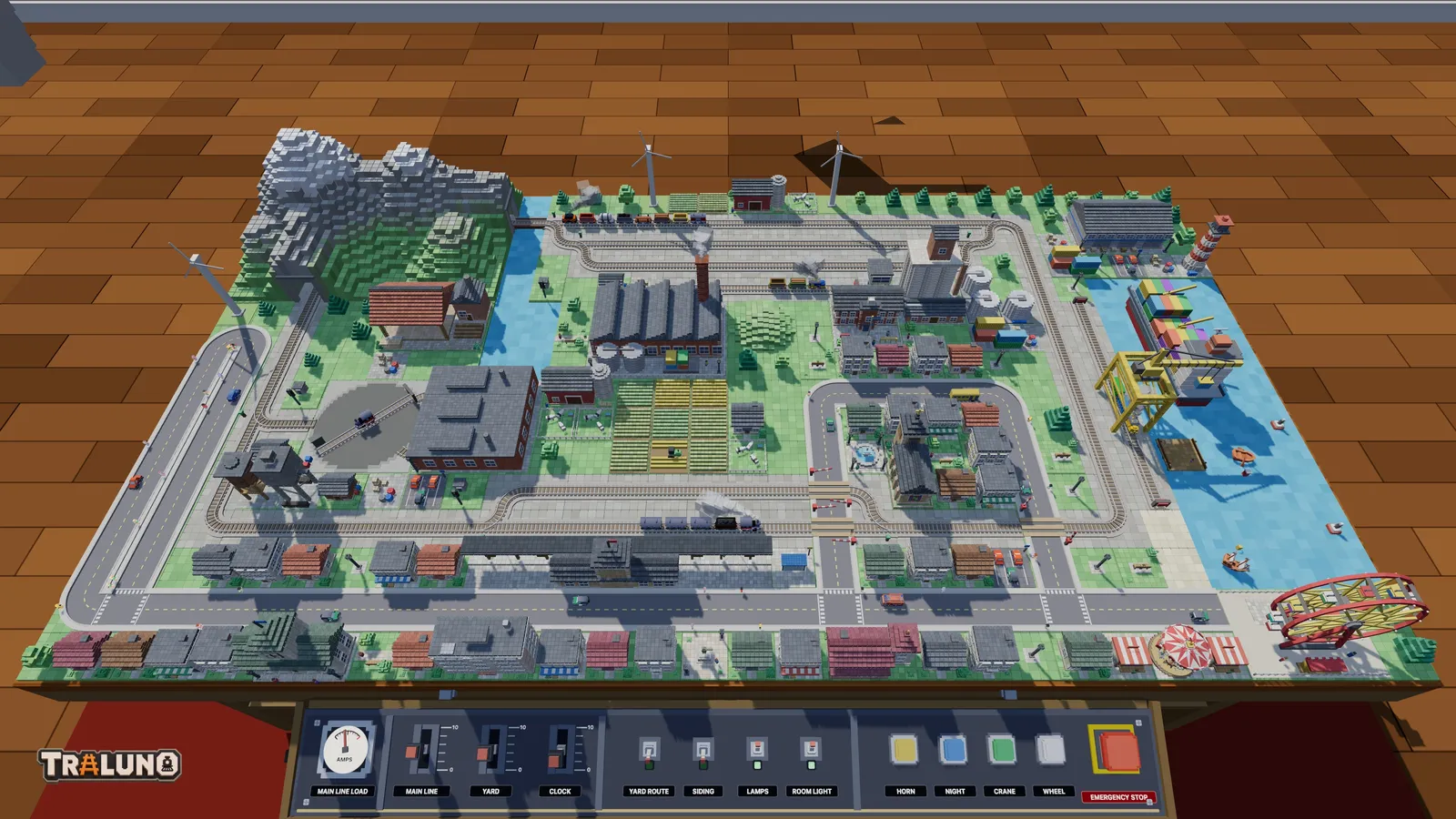
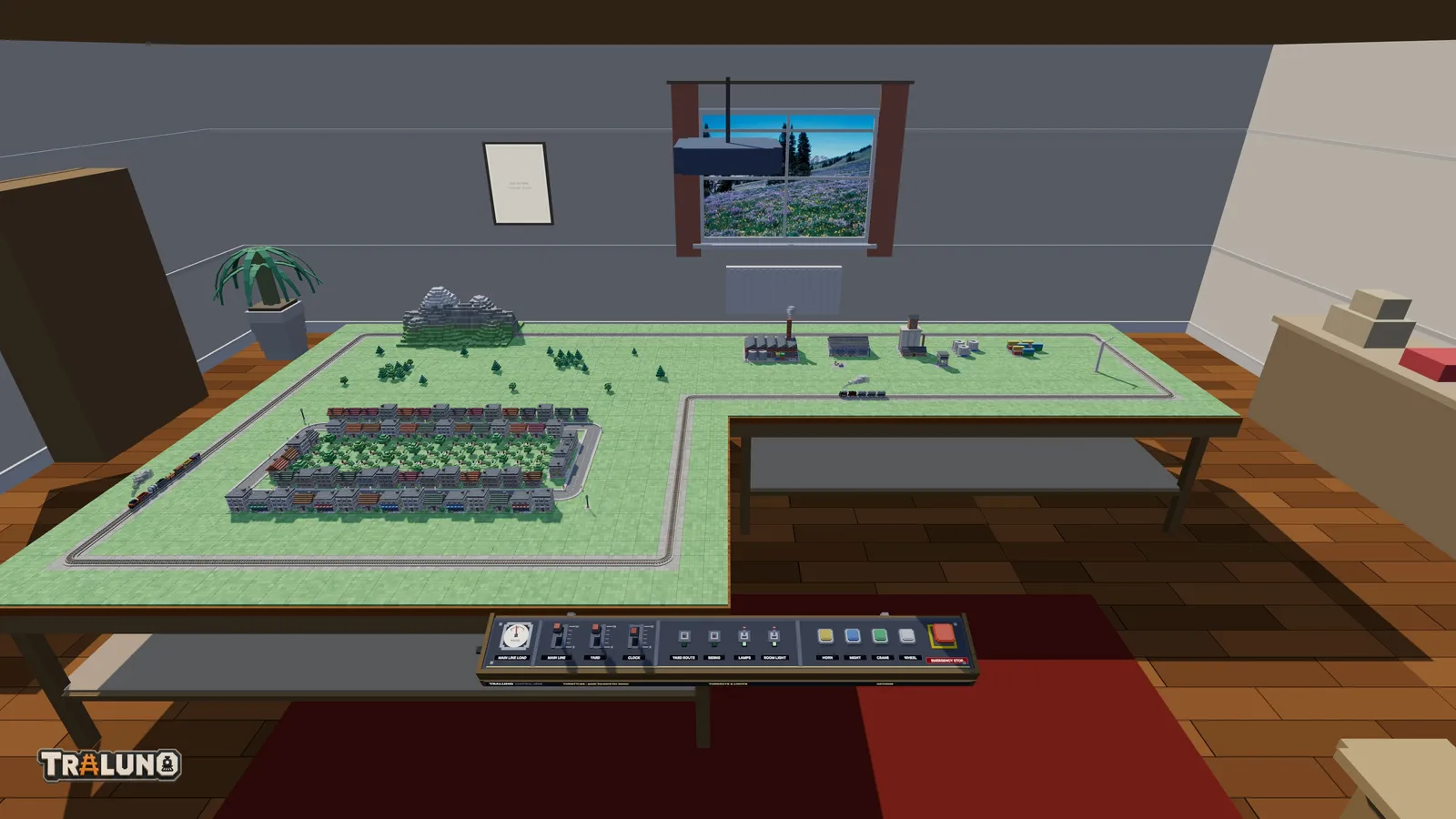
The table is 30 cells wide and 16 deep, and a cell is 10 cm, so it measures 3 m by 1.6 m. Its top stands 90 cm off the floor. Everybody gets one, signed in or not, and it costs nothing. You stand at its front edge, where the control desk is, and what the table teaches explains why that viewpoint decided so much of the game.
One table holds more than it sounds. Every plan in model train track plans for one table fits on it, the passing loop and the yard together included. What more tables buy is room around the track: longer runs, and scenery that is not squeezed between the rails and the edge.
Buying more tables
The Extra table is in the Hobby Shop under Tables, at $9.99 with VAT included. It is the one item in the shop you can buy more than once: the second purchase gives you a third table and the third gives you a fourth. Four is the limit, so the full set costs $29.97 on top of the free table, and the checkout refuses a table past the fourth rather than charging for one that would grant nothing. Buying needs an account.
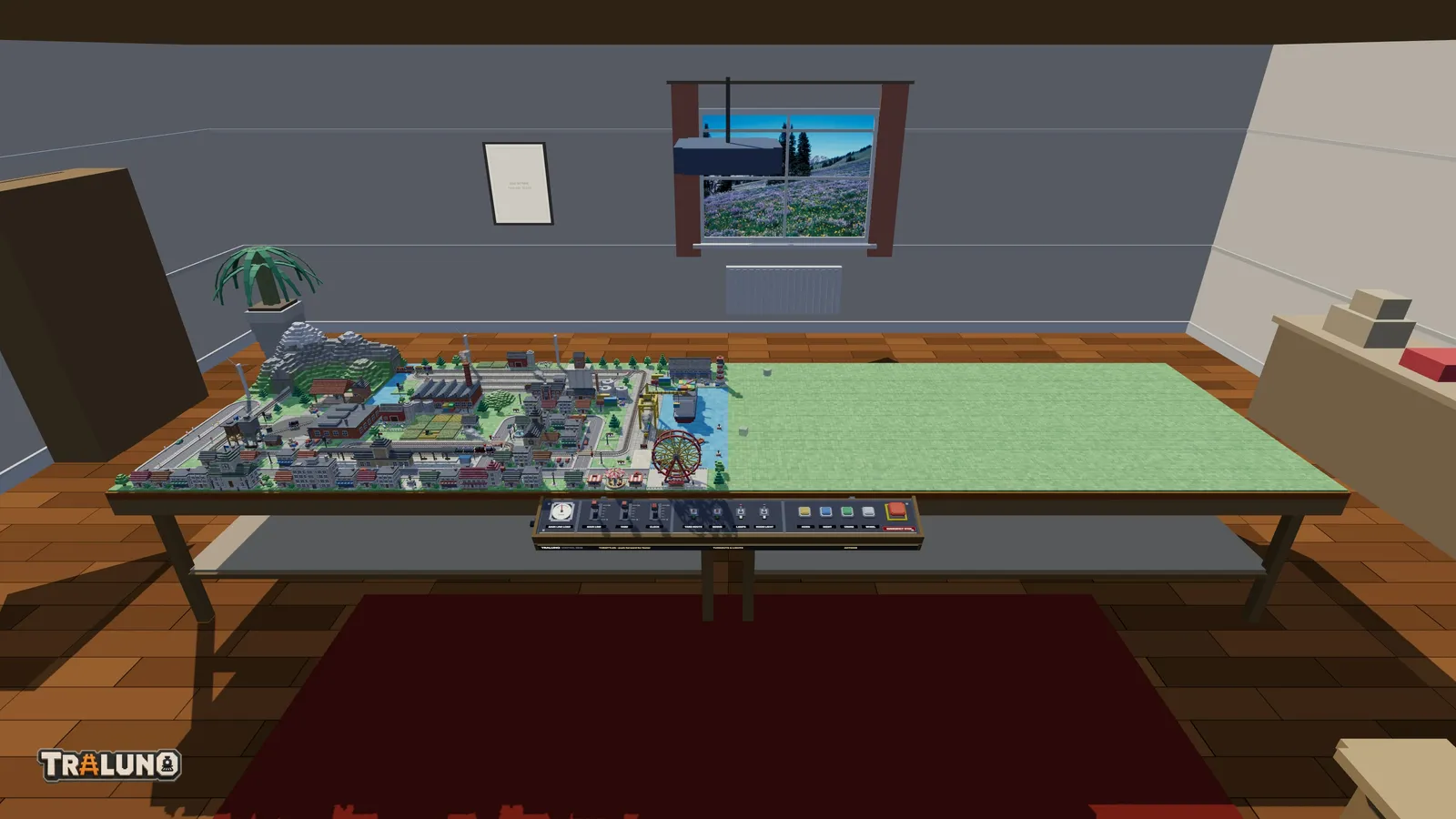
The tables belong to your account, not to a layout. Every layout you keep can stand on as many tables as you own, and none has to use them all. When a payment for a table completes, the game puts it down straight away on the layout you have open, in the first free slot beside the cluster (to the right, if you have one table), so the purchase is visible at once. That position is not final.
The shapes four tables can make
Tables sit on a two-by-two grid, and every table has to touch another along a full edge. That allows five shapes:
| Tables | Shape | Size | Cells |
|---|---|---|---|
| 1 | One table | 3 m by 1.6 m | 30 by 16 |
| 2 | Side by side | 6 m by 1.6 m | 60 by 16 |
| 2 | Front and back | 3 m by 3.2 m | 30 by 32 |
| 3 | L | 6 m by 3.2 m, one quarter missing | 60 by 32, less 30 by 16 |
| 4 | Two by two | 6 m by 3.2 m | 60 by 32 |
The L can leave out any of the four quarters. Two shapes are ruled out. A row of three would be 9 m long, wider than any of the rooms. Two tables meeting only at a corner would be two layouts, and track laid between them would run through thin air. Every room is sized to hold the full block of four with space around it, so the choice of room never limits the choice of shape.
The Tables dialog
Tables is in the menu that opens from the layout's name in the top bar, and in the menu sheet on a phone. The dialog draws your tables as a small grid with the control desk along the bottom edge and a free slot on every side where the cluster can still grow. Click a slot to add or remove a table.
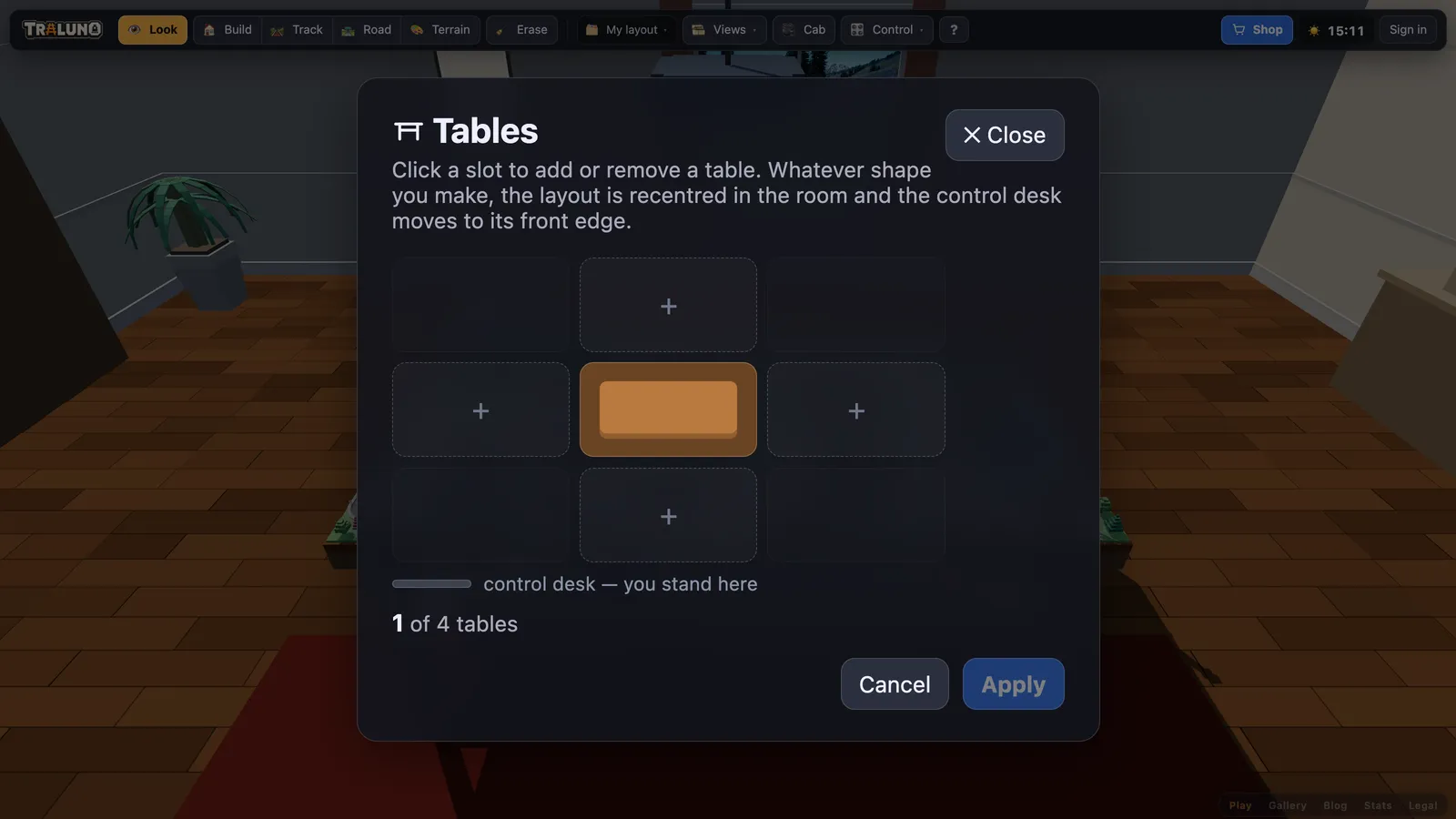
A free slot shows a plus if you have a table to put there and a padlock if you have not; clicking the padlock opens the shop at the Extra table. A slot that would not touch the others is left blank and cannot be clicked, so the grid shows the shape rule rather than refusing quietly. The last table cannot be removed.
Nothing changes until you press Apply. If the new shape would leave anything without a table under it, the dialog first counts what would go: buildings, track pieces, road pieces, trains and vehicles. A building that would hang over the new edge goes in full. Creating a new layout from your profile page uses the same grid, so you can choose the shape before laying anything.
Adding tables to a model railroad layout you have built
The control desk is fixed to the front edge of the cluster, and the whole layout is recentred in the room every time the tables change. Together those decide what a new table does to the work you already have.
Behind or beside. What you built stays at the desk, and the new table opens up behind it or next to it.
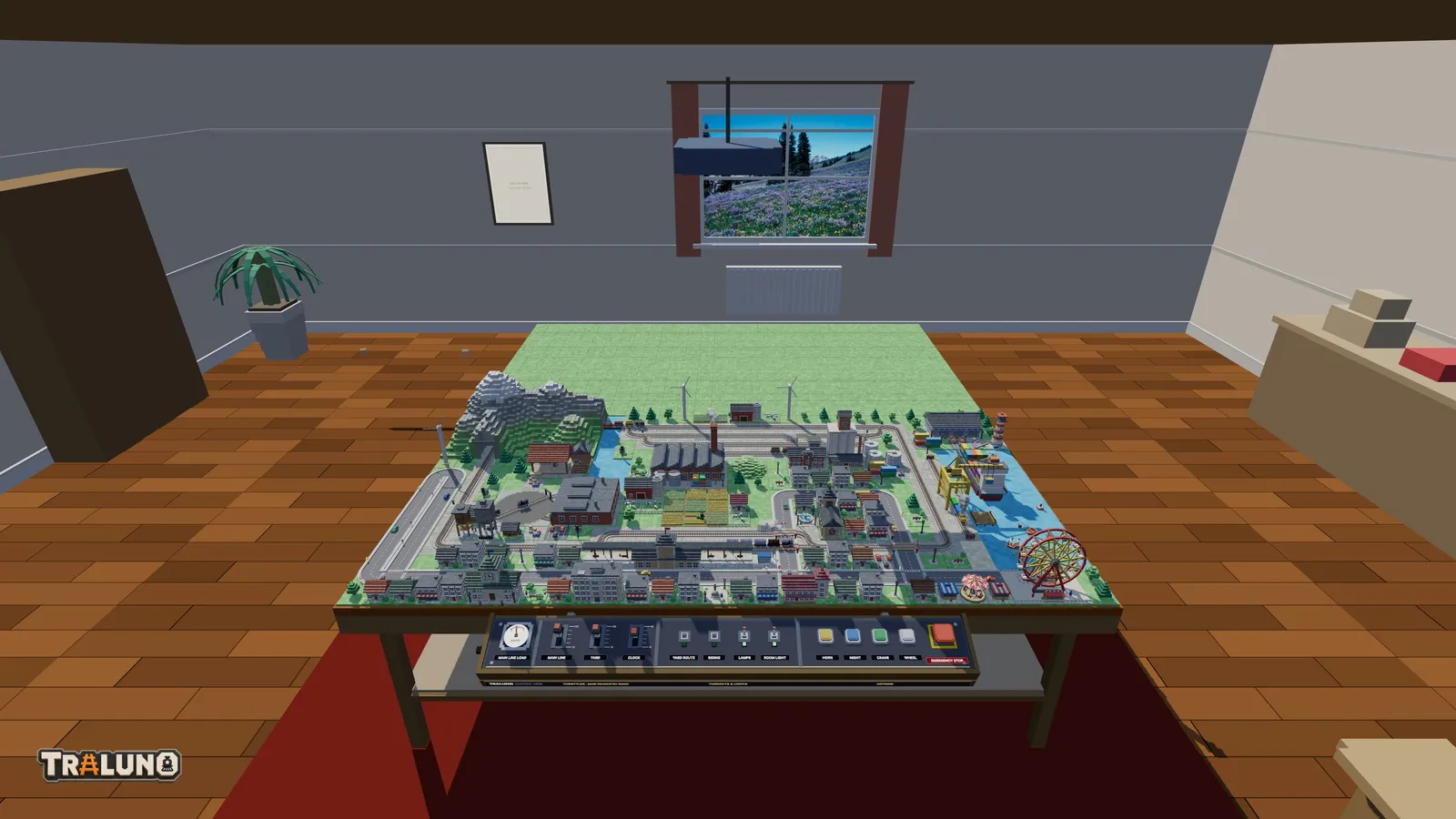
In front. The new table goes between you and what you built, so everything you have done moves a table's depth further from where you stand.
Taking the front table away. What is left comes forward to the desk, rather than leaving a gap where the table was.
Track crosses a join like any other cell boundary, so there is nothing to bridge. Saved camera views are stored relative to the layout rather than the room, so a view framed on your station still frames it after the tables move.
What the camera does
The three built-in views reframe themselves around the cluster. Stand and Over pull back in proportion to its size, so a view framed for one table does not end up inside a block of four, and Over stops where the room's walls and ceiling stop it. Desk keeps its distance, because the desk does not grow. The Track plan window follows the cluster's proportions as well: two tables side by side give a wide plan, one behind the other a tall one.
How it compares with a 4x8 train layout
The 4x8 is named after a sheet of plywood, 4 ft by 8 ft, which is about 1.22 m by 2.44 m. One Traluno table is 3 m by 1.6 m: about 56 cm longer, 38 cm deeper, and at 4.8 square metres about 1.6 times the area.
Area is the smaller difference. A Traluno curve turns a quarter circle inside one 10 cm cell, so a loop needs almost no width, while real HO curves need far more room than that; the scales post has the numbers. A plan that fits one Traluno table would need a much larger real baseboard, so compare plans with a real 4x8 train layout by their shape, not by their size.
And an L-shaped model railway layout
In a real room, an L is a way to use a corner, with the track running along two walls. Traluno's L of three tables is a different thing. Each arm is a full table, so it is a 6 m by 3.2 m block with one quarter missing, and it stands in the middle of the room rather than in a corner, because the cluster is always recentred.
What the L does give you is a corner to run round. A loop that follows it has six corners instead of four: five turn one way, and the one at the inside corner turns the other. The notch also makes a natural boundary, with a town on one arm and a harbour or an industry on the other.
Deciding whether to buy one
Side by side buys length and front and back buys depth, and depth puts the far half of the layout further from where you stand. The cheapest way to decide is to look first. A published layout in the gallery opens on as many tables as it was built on, whatever the visitor owns, so you can walk round a block of four before paying for one; sharing your own layout covers the other side of that.
And if the plan is a real one, for wood and track rather than for the game, the shape is worth settling before anything is bought; planning a layout before you buy track is about that. Otherwise, open the layout and press Tables.
- tables
- layouts
- 4x8
- guide