· 6 min read
Before You Open a Model Train Layout Planner
A model train layout planner gets the geometry exact. Try the shape, the trains and the view first, in minutes: a practical process using both.
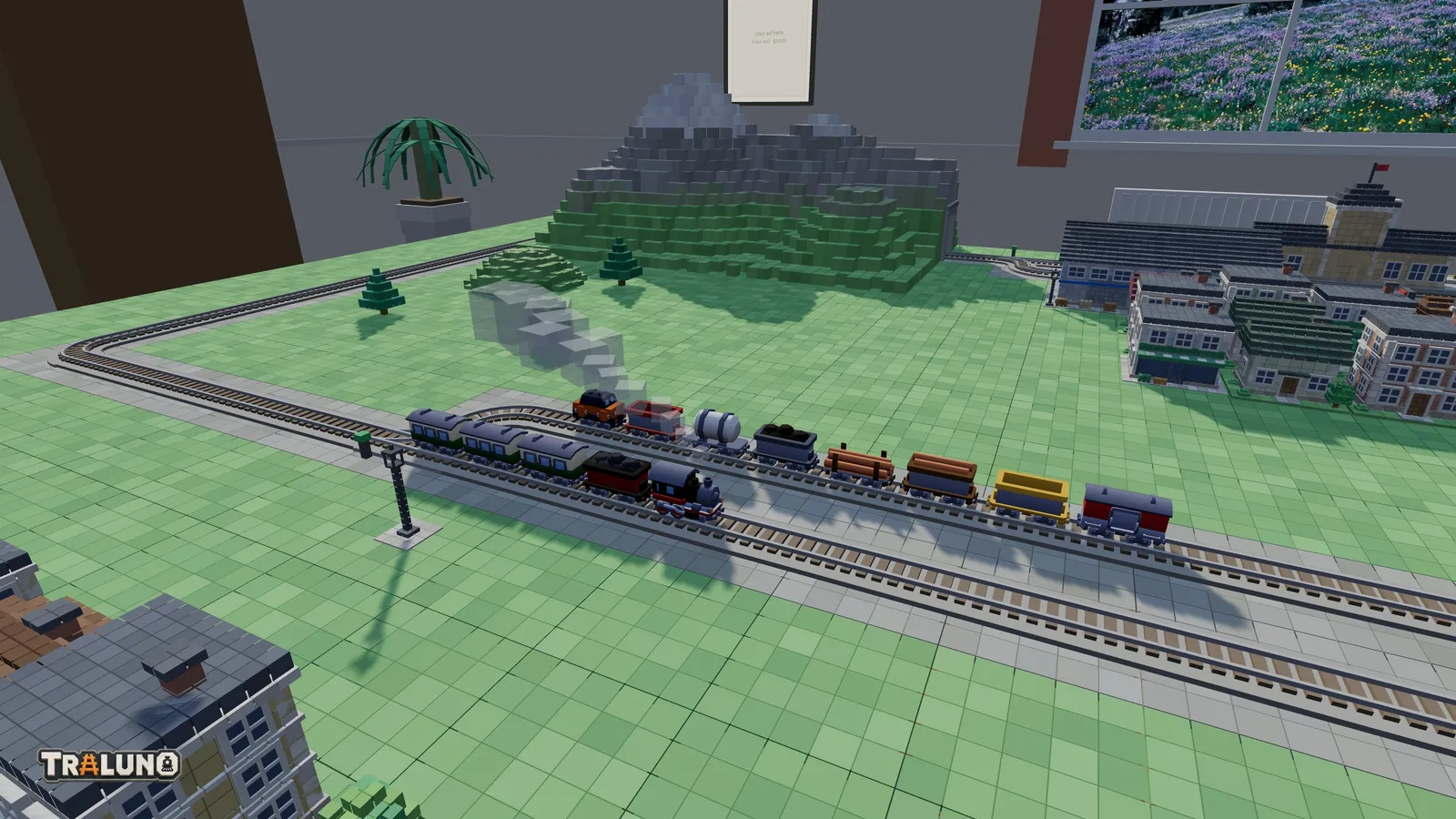
A model train layout planner answers one question better than anything else: will this track, from this manufacturer, fit in this space? Traluno cannot answer that, and nothing here pretends otherwise. What it can do is answer the questions that come before it, quickly and for nothing: is the shape any fun to run, does the scenery balance, and what does it all look like from where you will stand.
What model train layout design software is for
A dedicated planner draws with the real pieces. You choose a manufacturer's track system from a library, and every curve, turnout and length comes out at its real size, so what fits on screen should fit on the baseboard. What you get at the end is a drawing to build from and a list of the pieces to buy. Three well-known ones:
AnyRail. A Windows program from anyrail.com. The free download designs layouts of up to 50 sections of track, and a licence key, a one-time payment with no subscription, removes the limit without reinstalling. Its libraries cover the major manufacturers' track, and it produces shopping lists.
SCARM. Also for Windows, from scarm.info. The free version allows 150 items in a project, 75 tracks and 75 objects, and five layers. A licence key for one PC removes those limits and adds features such as automatic full-size printouts. It has more than 255 track and object libraries, a 3D view, a parts list, and a train simulator offered as an extension.
XTrackCAD. A CAD program for model railroad layouts, free and open source under the GPL, for Windows, Mac and Linux, published on SourceForge.
Those limits and terms are as the developers' sites gave them in October 2026; check before relying on them. Model train software also includes simulators and games, which are a different thing again, and the other model railway games covers those.
What a plan view leaves out
A drawing from above is the right picture for checking fit, and a poor one for three other questions.
Whether it is fun to run. An oval with a passing loop looks generous on paper. Whether two trains on it spend their time passing or waiting depends on timing, and the quickest way to find out is to run two trains.
Whether the scenery balances. A plan shows track and outlines. It does not show whether the town crowds the station, or whether a mountain at the front hides half the layout.
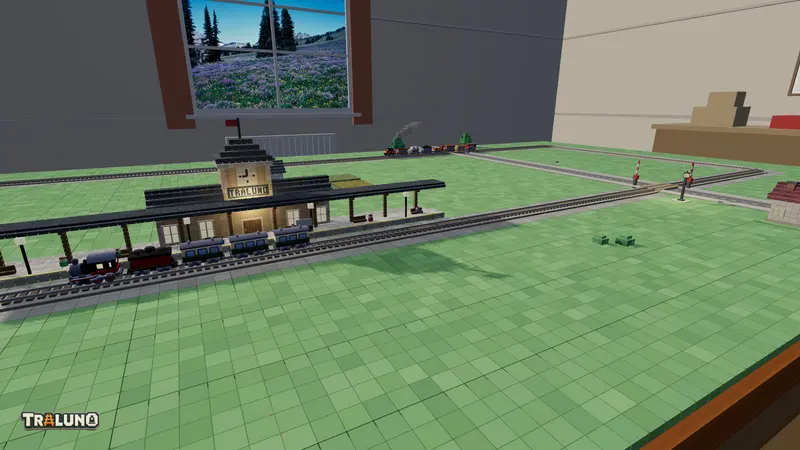
What it looks like from where you stand. The finished layout is seen from the front edge at eye height, not from straight above. From there the back of the table is foreshortened, and roofs matter more than walls; what the table teaches goes into why.
Where a game fits next to a model train layout planner
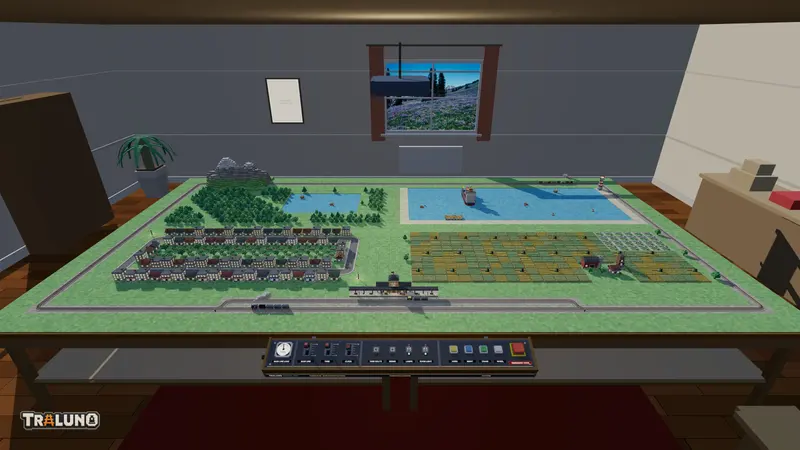
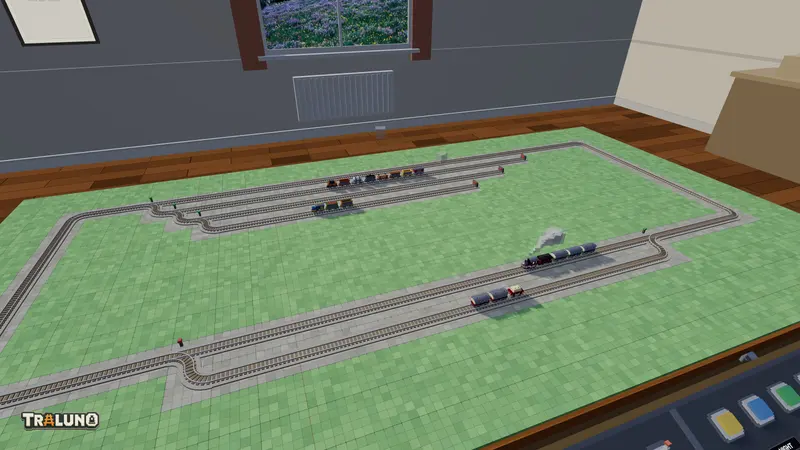
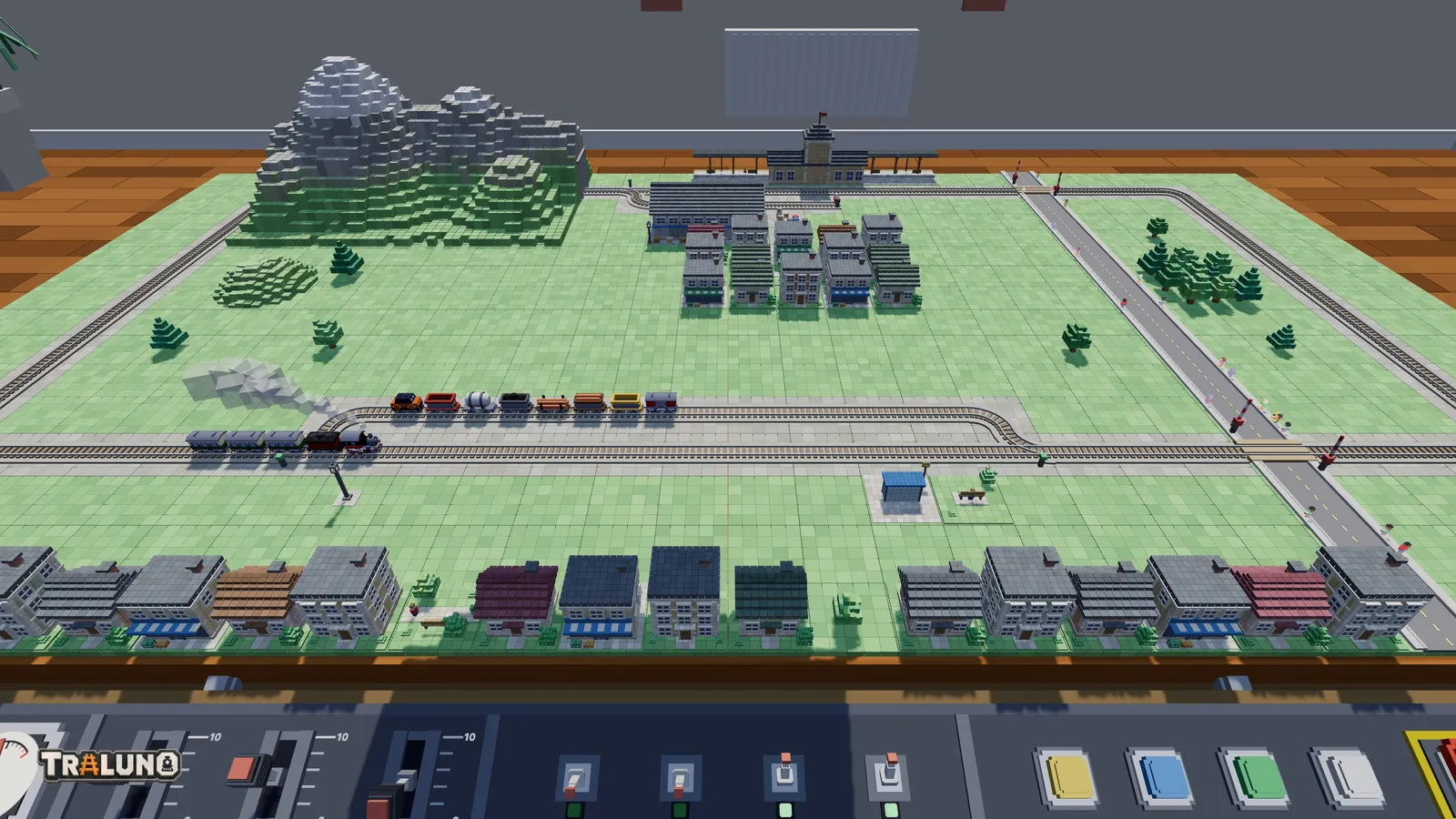
Traluno is a game, free in a browser tab, and every track piece in it costs nothing. A plan takes minutes to lay, because straights are painted by dragging, and it runs as soon as a train is on it. Trains behave like a small railway: one facing a switch goes where the switch is set, one that reaches a buffer stop reverses, and one that finds the line blocked stops and, after about eight seconds, turns back. You can watch from the Stand view, at the eye height of someone at the front edge, or ride the front of a train.
The limits are just as definite. There is one curve, a quarter turn inside a 10 cm cell, far tighter than any real HO curve (the scales post has the comparison). A switch turns its branch through a quarter circle inside one cell, the only crossing is square, and all the track is at one height. The tables come in one size, 3 m by 1.6 m, up to four of them in a two-by-two block. There is no manufacturer library and no parts list for real track.
So a Traluno layout is a sketch of shape and proportion, not of geometry. Anything you like in it has to be redrawn before it is bought.
A practical process
1. Decide what the layout is for. Watching trains go round, running two against each other, shunting a yard, or leaving something running while you do something else. Each points at a different plan; model train track plans for one table draws six of them.
2. Pick the table shape nearest your space. The game's tables do not come in your room's dimensions, so match proportions instead. One table is nearly twice as wide as it is deep, two side by side nearly four times, and two front and back almost square. From one table to four has the sizes. One table is free and the others cost $9.99 each, and most shapes can be tested on one. Signed in, a new layout made from your profile page starts empty on the table shape you choose.
3. Lay the track and run it. Put two trains on it, open the Trains and Switches windows from Control, and let it run for a while. Notice what you keep doing by hand, which is where the operating interest is, and what never happens at all. Controlling trains and switches explains the windows.
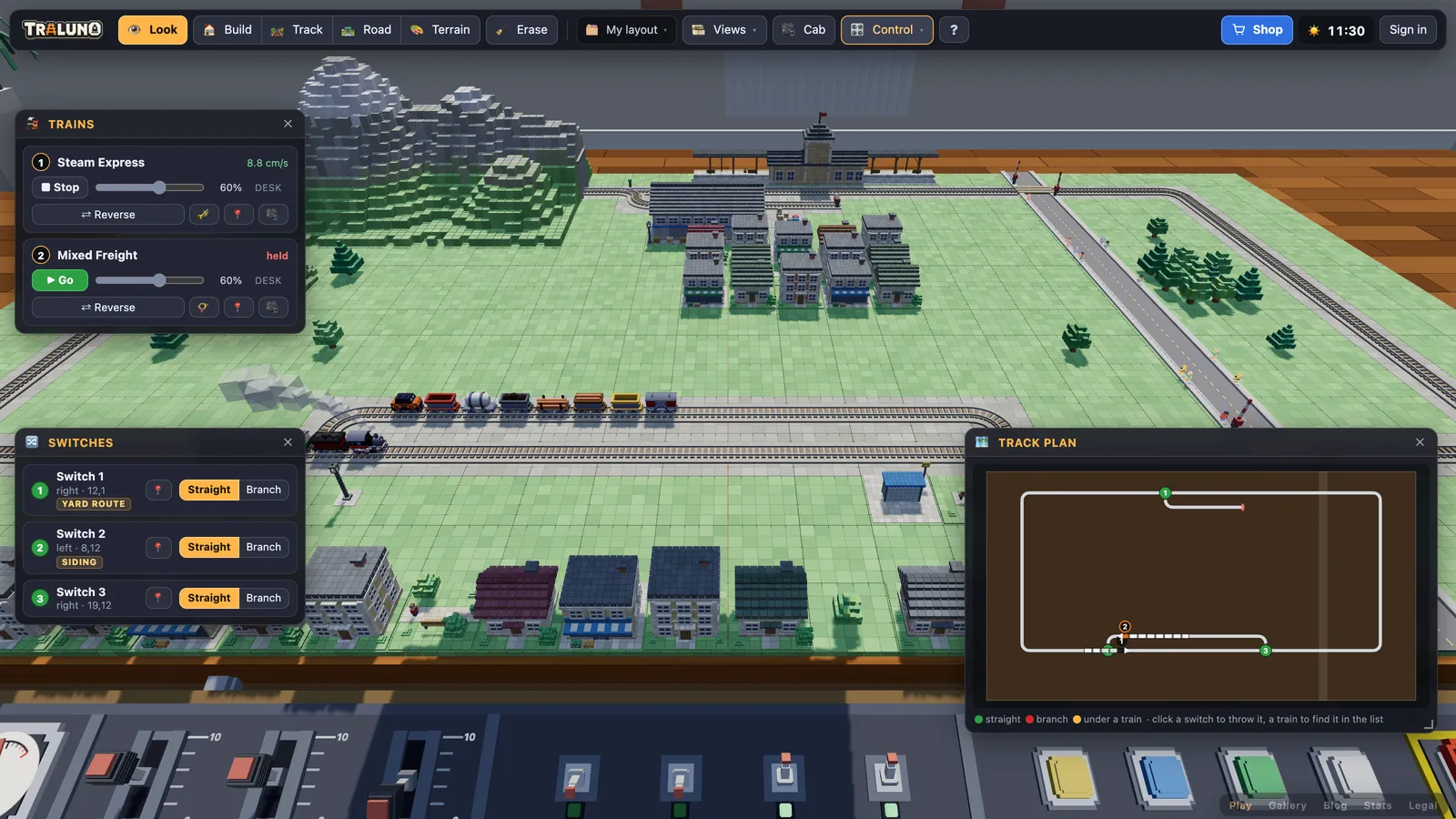
4. Rough in the scenery. Blocks of town, a mountain, roads and level crossings: enough to judge proportions, not a finished model. Then look at it from Stand and from Desk, and ride a lap at the front of a train; the cab ride guide covers that.
5. Try the alternatives. A signed-in account keeps up to twelve layouts, so the version with the yard on the left and the version with it on the right can both exist and be run one after the other. For other people's opinions, publish the one you prefer to the gallery.
6. Redraw it in a planner. Choose the library for the track you will buy and draw the shape again at real size. Expect it to grow, mostly at the curves, which need far more room than they did in the sketch; the planner tells you how much. If it no longer fits, go back a step and change the shape, which is quicker to try in the game than to redraw.
7. Buy from the parts list. The planner's list, not a count taken from the sketch.
Why sketch first
Steps one to five can cost nothing. Changing your mind there means erasing a few cells; changing it after the track is bought means buying different track. A planner is the right tool for the last mile, and the sketch is a cheap way to make sure the last mile is worth walking. Open the layout and try the shape first.
- planning
- layouts
- software
- track plans