· 9 min read
Model Train Scenery Ideas for a Small Layout
Seven model train scenery ideas for one table: terrain paint, a tunnelled mountain, a harbour, a farm, a fair, a town and a tree line, with a tip for each.
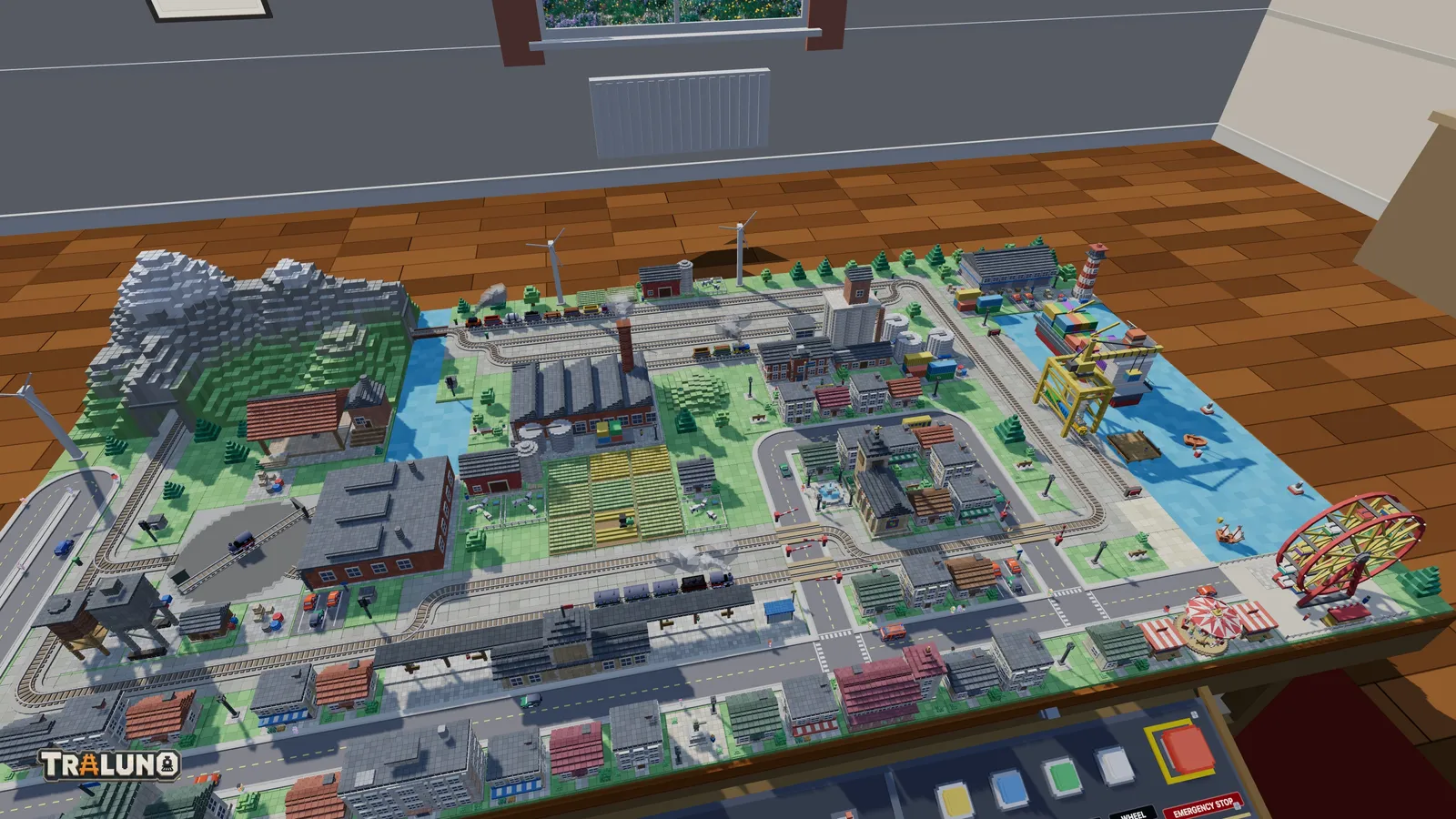
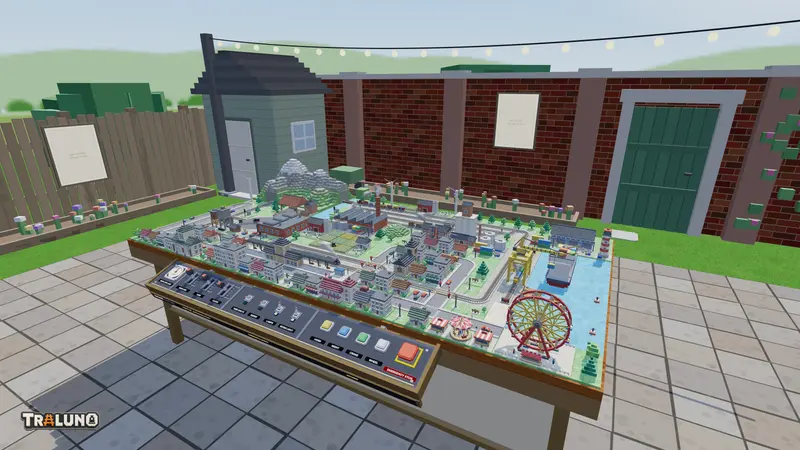
Track is the part of a layout you plan. Model train scenery is the part people actually look at, and on a small layout it gets whatever the railway leaves over. One Traluno table is thirty cells by sixteen, each cell ten centimetres square, and the track and the streets claim their cells first. What remains has to be chosen rather than filled.
Here are seven model railway scenery ideas built from the catalogue, roughly in the order they are worth doing. Each one lists the items it uses, says why it works from the front edge of the table, and ends with one composition habit that carries straight over to a layout made of plaster, foam and static grass.
Paint the ground before you place anything
Terrain mode has five paints: Grass, Water, Sand, Pavement and Gravel. All of them are free, and a drag paints a run of cells in one stroke. Grass is what every cell starts as, so painting Grass is how you clear a cell back to plain lawn.
Two things happen without being asked. Track laid on unpainted ground gets gravel underneath it, so a line across a field already reads as a railway rather than as rails lying on a lawn. And track laid over Water becomes a bridge, with a deck, side girders and piers standing in the water.
Why it works: from standing height the ground is most of the picture. A change of ground colour tells the eye where one place ends and the next begins long before it has read a single building.
Tip that transfers: change the ground where the use of the land changes, and put a strip of something in between. A couple of cells of Sand between Water and Grass read as a shore, which is what the default scene does at the foot of its quay. Gravel under a yard and Pavement under a square do the same job inland. On a physical layout the equivalent is a band of sand or ballast dust at the water's edge, rather than lawn running straight into the water.
A mountain with a model train tunnel through it
The Mountain with Tunnels costs $4.99 and is the biggest thing you can place: eight cells by five, which is eighty centimetres by fifty and a twelfth of one table. It is one of only two items allowed to stand over track, the other being the Harbor Crane, and it reads the track underneath it. Where a straight runs below, it carves a bore along the line; under a curve or a switch it clears the whole cell. Wherever the track leaves its footprint, a stone portal stands at the mouth, and a spur of rock follows the bore out to each portal so the tunnel always has mountain on top of it.
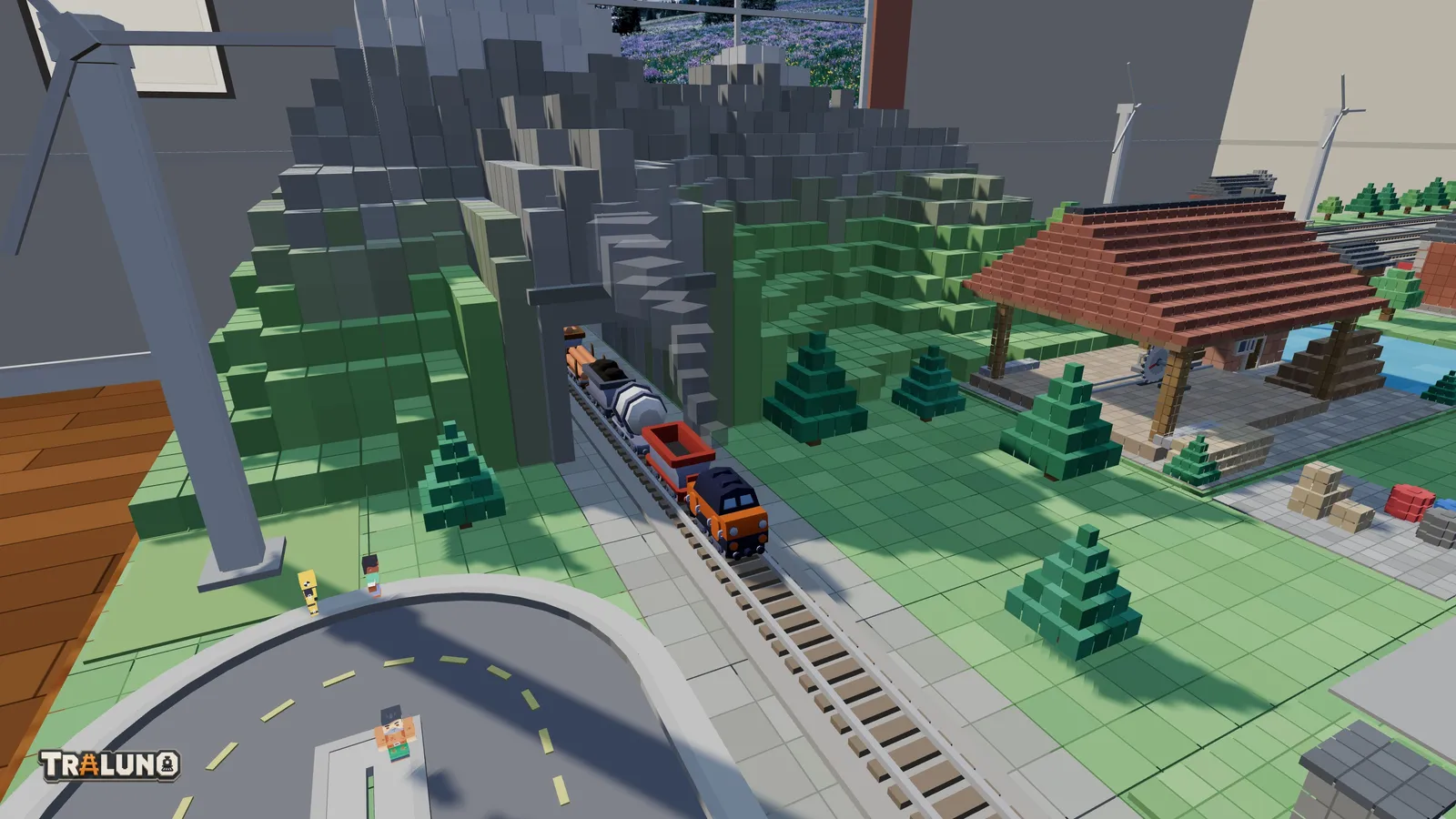
Lay the track first or the mountain first; it carves itself again either way. It will not stand on a street, so roads have to go round it.
Why it works: a train that disappears and comes back somewhere else makes a short loop feel longer, because for a few seconds you cannot see all of it. The snow on the peaks also gives the layout one tall, pale shape to hang the rest of the composition on.
Tip that transfers: put the mountain at the back, where it reads as distance rather than as a wall, and send a curve through it rather than a straight. The default scene does both: the mountain fills the back-left corner and the main loop's corner curve runs under it. The same holds on a real baseboard, for reasons the post on the table goes into.
A harbour at the end of a line
Paint a block of Water along one edge and the Harbor category becomes useful. The Wooden Pier, Fishing Boat, Sailboat and Buoy are free; the Lighthouse costs $1.99, the Harbor Crane $2.99 and the Cargo Ship $3.99. The pier, the boats, the buoy and the ship can only stand on water, and no other building or scenery item can.
Most of it moves. The two small boats sail slow circles on their own patch of water, the ship's radar turns, and the crane straddles the quay track like a gantry. Press CRANE on the desk and it does one job: the trolley lowers its hook over the water, lifts a container, swings it across the quay track and sets it down on the land side. Press again and it carries the box back. The free Harbor Shunter, a small locomotive with two container wagons, is the obvious train to work it.
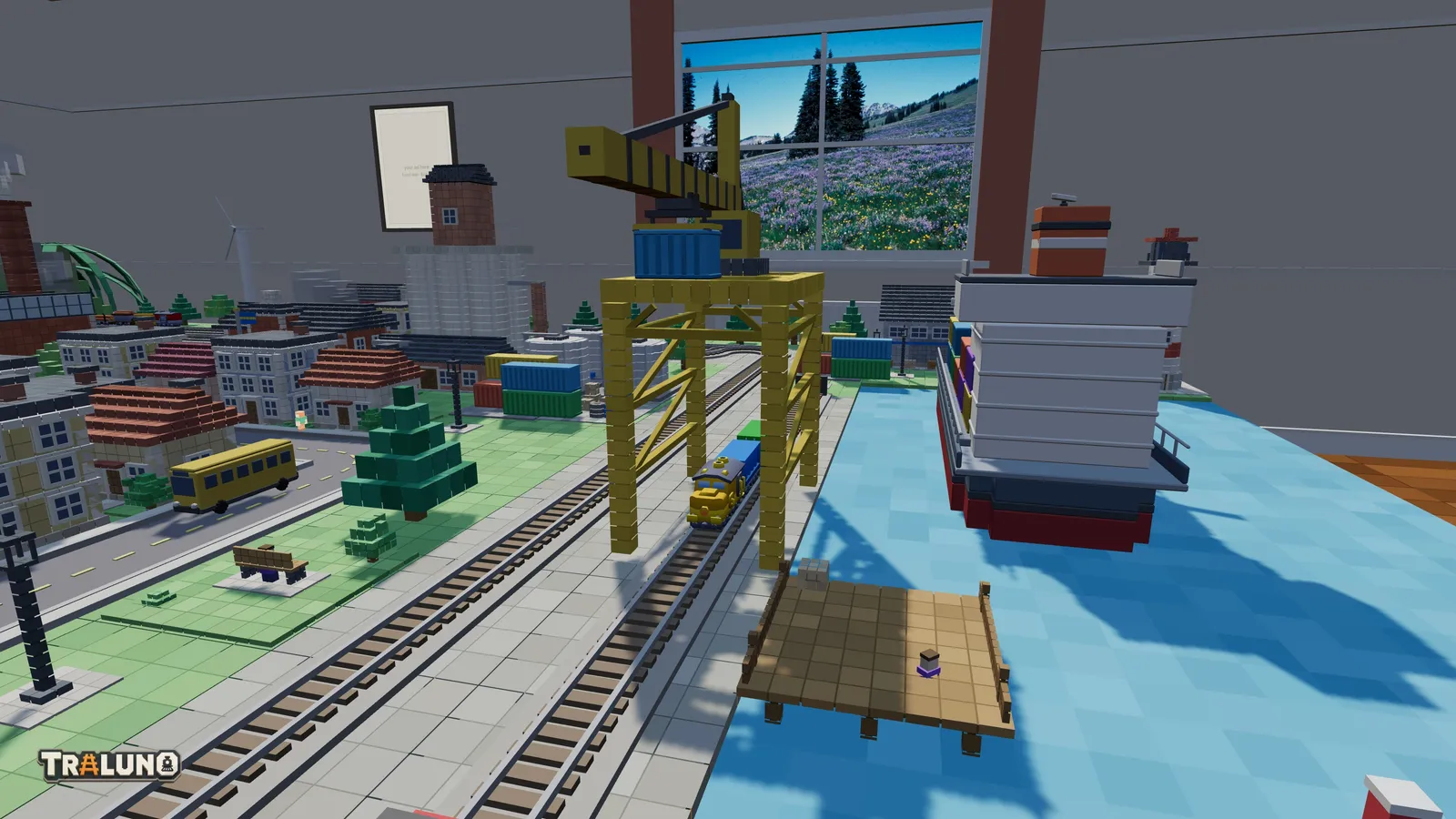
Why it works: water is the one large surface on the layout with no detail in it. It gives the eye somewhere to rest, and everything placed along its edge gets a clean background.
Tip that transfers: lay the quay track parallel to the water's edge and put the crane over it, so the scene explains itself in a line: ship, crane, wagon. On a physical layout, check the clearance under anything that spans the track before it is glued down. The crane here was once braced at exactly train height, and the wagons drove through it.
A farm corner
The Farm category is almost entirely free: Crop Field, Field with Tractor, Cow Pasture, Barn & Silo and the Farmhouse, which is the Cottage painted white. The Windmill ($1.99) turns its sails, and the Wind Turbine ($1.49) spins a rotor on a tower taller than anything else in the category. Each Crop Field picks one of three crop colours from the cell it stands on, so a block of fields comes out as a patchwork with no effort, and the Field with Tractor has a tractor working up and down its rows.
Why it works: fields are low, wide and striped. They cover a lot of cells without blocking the view to anything behind them, which makes them the right filling for the middle of a table.
Tip that transfers: turn some of the fields with R before placing them, so the rows do not all run the same way. Rows in several directions read as land farmed over years; rows that are all parallel read as a pattern.
A fair that runs after dark
The Fair Booth is free and takes its awning colour from where it stands. The Carousel ($2.99) fits in one cell; the Ferris Wheel ($4.99) takes three by two and carries twelve gondolas. The WHEEL button on the desk starts and stops both rides, and both can be ridden from a seat, like a cab ride on a train. After dark both light up; the tour of what lights up at night has the details.
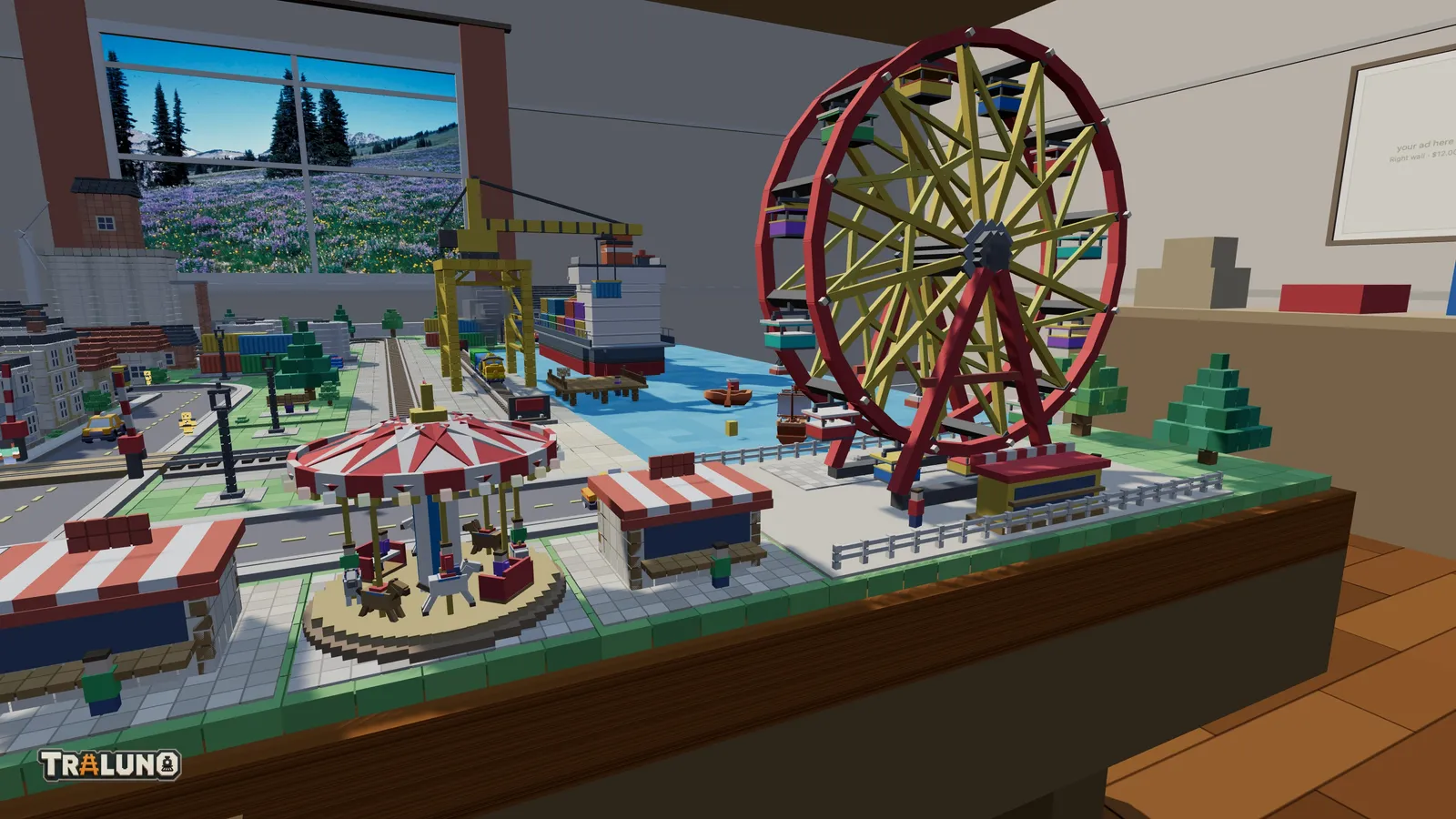
Why it works: movement pulls the eye harder than colour or size. Whatever turns is where people look first.
Tip that transfers: spend that pull on purpose. Put the moving things where you want attention, near the front edge or beside a road, and keep them to one or two per scene so they do not compete. A booth also gives pedestrians a reason to stop: people walking past a Fair Booth tend to linger there.
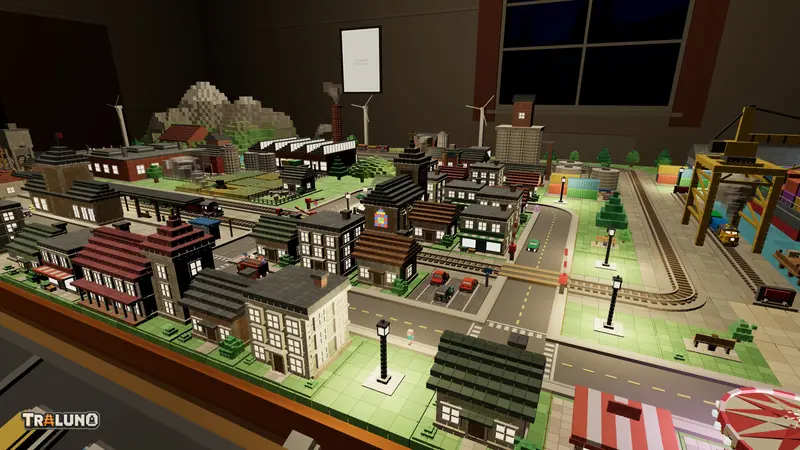
A model train town with a level crossing
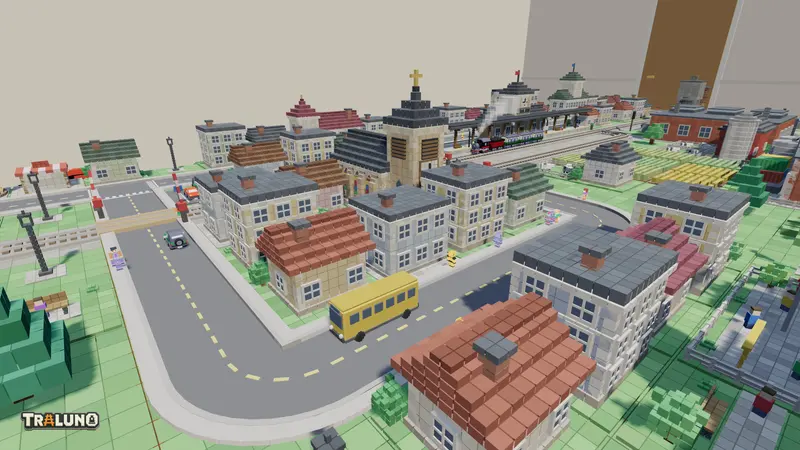
A town needs streets before it needs buildings, because people come from the buildings but walk on the streets. Most buildings carry a population figure, and the layout sends out roughly one pedestrian for every ten residents and workers, up to forty-four in all. Without a street to walk on, nobody comes out.
The free core of a town is the Cottage, Townhouse, Family Home, Bungalow, Corner Shop, Station, Bus Stop, Parking Lot, Little Park, Park Bench, Street Lamp, Fountain Square, Statue Square and Zebra Crossing. The paid buildings are the Town Church, Apartment Block and Victorian Villa at $1.99 each, the School, Town Hall, Villa with Pool and Residential Tower at $2.99, and the Office Tower at $3.99. Houses take their colours from the cell they stand on, which is why a street of them does not repeat.
Then cross the railway. A Street laid across a Straight becomes a level crossing with gates, and the booms come down when a train approaches. Cars stop for a lowered boom and for anyone stepping onto the carriageway, and pedestrians cross at junctions and on the Zebra Crossing. The Car, Van and Truck are free; the Bus, Fire Truck and Police Car are $1.49 each.
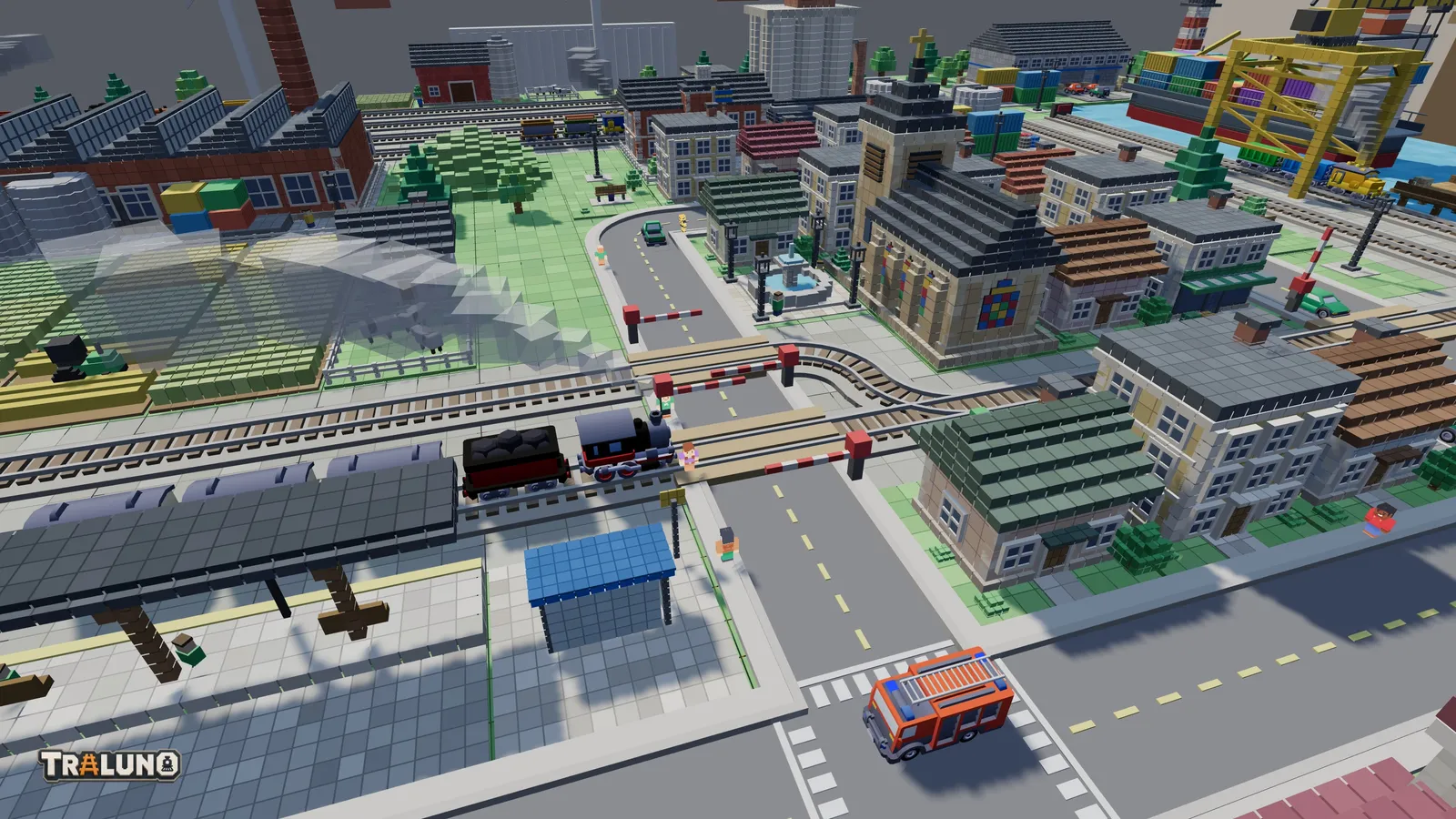
Why it works: the crossing is where the two networks meet, so it is the one place on the layout that produces a small event on its own: booms down, traffic held, train through, booms up.
Tip that transfers: put the crossing on a straight near the front edge, close to the shops or the station, where the eye already goes. A crossing tucked behind a row of buildings does all that work for nobody.
Trees and forests to hide the table edge
Leafy Tree, Pine Tree, Bushes, Small Forest and Grassy Hill are all free. The Small Forest fills two cells by two with nine trees, pine or leafy depending on where it stands. A single Leafy Tree or Pine Tree varies its size and sits a little off the centre of its cell, again by position, so a row of them is not a row of copies. The Grassy Hill, also two by two, is the only way apart from the mountain to get height out of the ground: there is no tool for raising or lowering the terrain itself.
Why it works: the back edge of the table is where the illusion stops. A hard line of tabletop against the room says "board". A line of trees says the country carries on past it.
Tip that transfers: mix heights and species, and do not plant in a straight line. The default scene lines much of its back edge with pines and leafy trees, alternating, and that is the minimum; a Small Forest in front of them breaks the line again. In physical model railway scenery the same trick hides the joint between the layout and its backdrop. Here the backdrop is the room itself, and which room that is is your choice.
The order to add model train scenery in
Ground first, then the big pieces that constrain everything else, which means water and the mountain. Then the town and its streets, then trees into the gaps. Everything snaps to the ten-centimetre grid, and anything that would overlap is refused rather than clipped, so the order you place things in decides what still fits at the end.
If one table fills up, a second one is the next step, and the track plans post covers what to run through all of this. Otherwise, open the layout and start with the paint.
- scenery
- guide
- tunnels
- town