· 9 min read
WebMCP in Practice: 32 Tools for a Model Railway
How Traluno turned a browser game into 32 WebMCP tools for AI agents, the three rules that keep them safe, and the port when the draft moved the API.

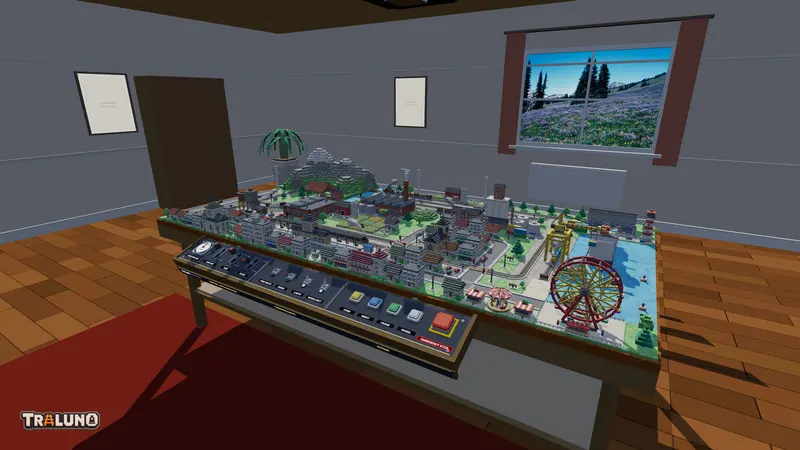
WebMCP is a proposed browser API that lets a web page register tools for an AI agent running in the browser: a name, a description, a JSON Schema for the input and a JavaScript function that does the work. Traluno describes the game that way, from reading the map to laying track and publishing a layout. This post covers what the tools look like, the three rules that keep them in line with the rest of the game, and what it took to follow the API when the draft moved it.
What WebMCP is
WebMCP was first published on 13 August 2025 by engineers at Microsoft and Google, and is developed in the open in the webmachinelearning/webmcp repository. The specification is a Draft Community Group Report from the Web Machine Learning Community Group, published under the W3C's community process and dated 16 October 2026 at the time of writing. It says of itself that it is not a W3C Standard and is not on the Standards Track.
The name points at the Model Context Protocol, where an agent calls tools that a server exposes over the network. WebMCP moves the tools into the page. They run in the user's tab, with the user's session and whatever state the page already holds. The explainer's case is that a backend integration makes a site rebuild its state and authentication on a separate server and bypasses its own interface; tools in the page reuse both.
In the current draft a page reaches the API through document.modelContext. registerTool() takes a tool (name, description, inputSchema, execute, and optionally title and annotations) and returns a promise. A tool is taken down by aborting an AbortSignal passed in when it was registered. The annotations are hints for the agent: readOnlyHint, untrustedContentHint, consequentialHint and debugging.
Trying WebMCP today
As of October 2026 no browser ships it switched on by default. The project's implementation status page lists an origin trial in Chrome from version 149 and one in Edge 150, experimental support in Brave's Leo assistant, support in ChatGPT Desktop, and for Firefox and Safari only their standards-position threads. Chrome Status gives the Chrome trial as running to version 156.
For local work, Chrome's WebMCP documentation says to enable chrome://flags/#enable-webmcp-testing. It also points to the Model Context Tool Inspector, an extension that lets you prompt an agent against a page's tools with your own Gemini API key.
For automated tests the same switch works from the command line: Chrome started with --enable-features=WebMCPTesting has the API, headless mode included. With it on, Chrome 155 gives document a modelContext with registerTool, getTools and executeTool, and gives navigator none at all. That second detail comes back below, under where the API moved.
The tools Traluno registers
src/components/agentTools.ts describes the game as 32 tools:
- Reading:
traluno_help,describe_layout,read_cells(up to 2,000 cells a call),screenshot(a JPEG of the layout without the interface) andlist_catalog. - Placing and erasing:
place_itemanderase_cell. - Trains and switches:
list_trains,control_train,list_switchesandset_switch, the same controls as the Trains and Switches windows. - The desk and the clock:
set_deskfor the levers, toggles and buttons of the control desk, andset_time. - Camera, views and rides:
move_camera,save_view,delete_viewandride, which opens the cab view on a train, a car, a pedestrian or a fairground seat. - What the person sees:
control_windows,set_modeandopen_help. - Saving and tables:
save_layout,rename_layout,reset_layoutandarrange_tables, which sets the table arrangement. - Publishing:
publish_layoutandunpublish_layout, which put a layout in the gallery with a picture of the current view, as the Share button does, or take it out. - Account and shop:
whoami,request_sign_in_code,sign_in,sign_outandbuy_item. - The room:
set_room.
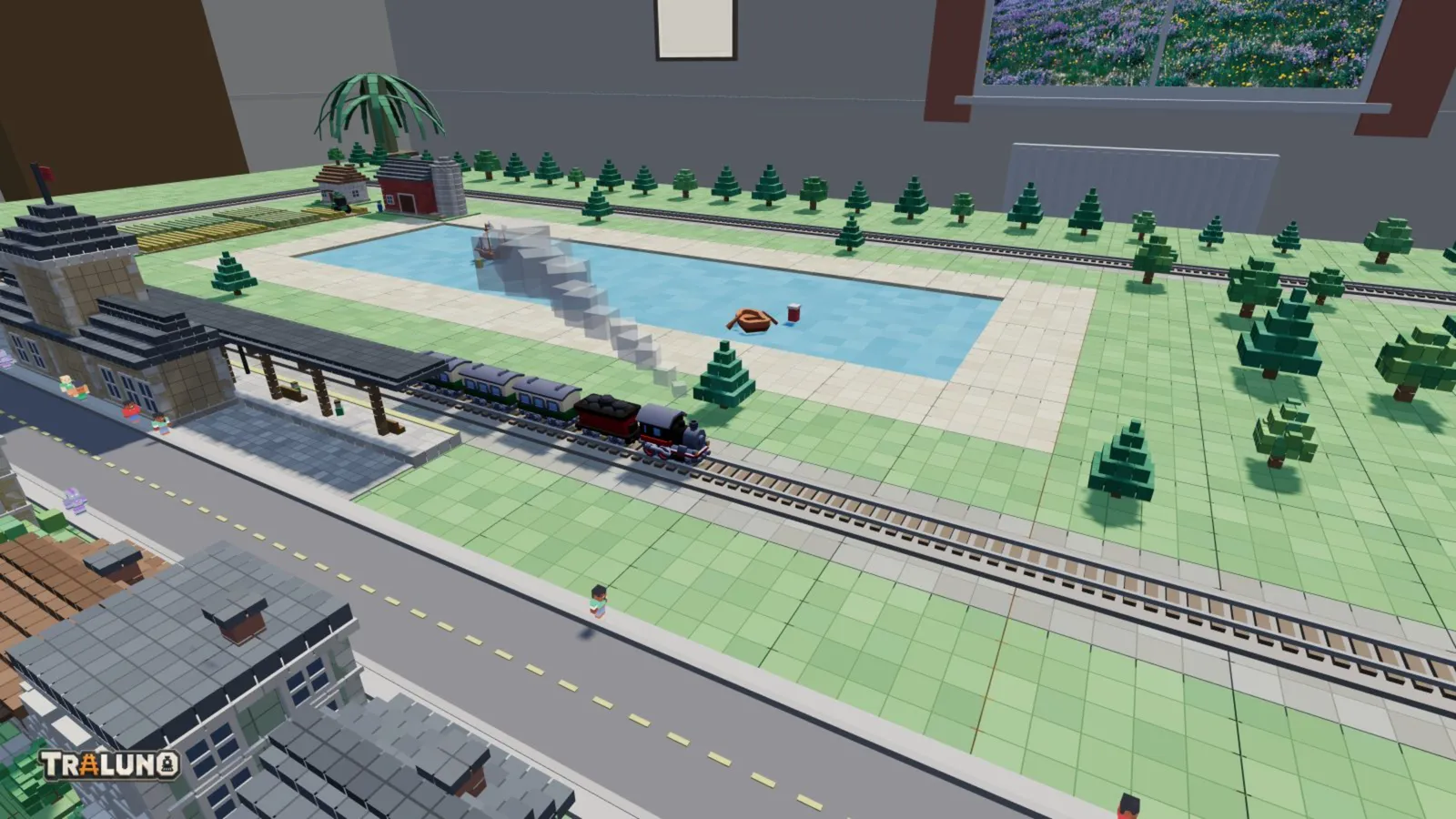
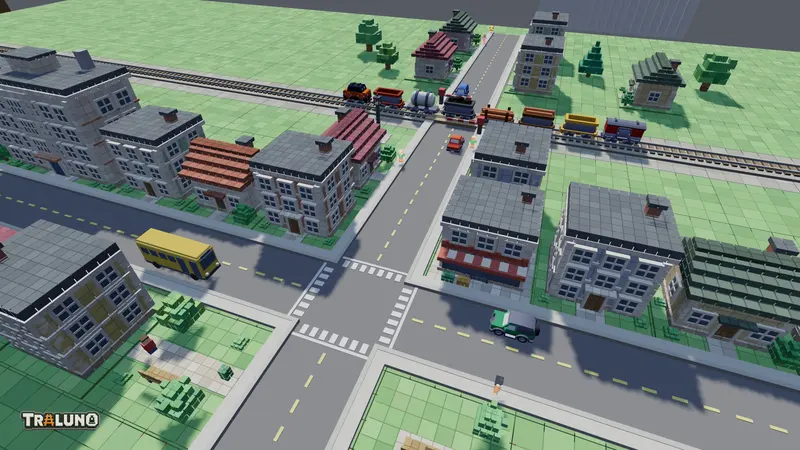
Everything is addressed in cells: x runs left to right, z from the back of the table to the front, where the desk is. A cell is what a click resolves to, so it is also what an agent names.
Rule one: a tool takes the path a click takes
place_item and erase_cell do not edit the layout themselves. They call placeItem and eraseCell on the engine, which are the same place and erase the pointer uses, addressed by cell rather than by screen position. The placement rules, the refusal on someone else's published layout and the refusal of a premium item nobody has bought are the ones a person meets. The tool is one guard and one call:
// src/components/agentTools.ts: the execute function of place_item
execute: (a) => { const ro = editable(); if (ro) return fail(ro); return eng().placeItem(String(a.id), needInt(a.x, 'x'), needInt(a.z, 'z'), a.rot == null ? 0 : needInt(a.rot, 'rot')); } },
Refusals come back as results with reasons, not exceptions. A building on a track cell is told that it does not fit there; a locked item comes back with reason: 'locked' and its price. Any result with ok: false is marked isError, so an agent can read why and try something else.
None of this is the security boundary. The engine is reachable from the console as window.__tw for debugging, so the server never took the client's word for anything: checkout and demo purchases re-check entitlements, every layout save re-checks the table arrangement, and the write routes match the owner as well as the id. An agent gets what the person at the keyboard gets, and the server checks both the same way.
Rule two: nothing navigates, and nothing spends money
An agent working in someone's tab should not be able to take them somewhere else or charge their card. In Traluno:
buy_itemwith real payments returns a Stripe Checkout link, with a note that a person has to open it and pay. The item unlocks when Stripe confirms the payment, not before.- In demo mode, the first
buy_itemcall only reports the item and its price. It unlocks on a second call withconfirm: true. request_sign_in_codeemails a six-digit code, and the person has to read it out.sign_inandsign_outare the only tools that reload the page, and both save first.- Changes that remove things preview first.
arrange_tableswithoutconfirmreports what would be lost, andreset_layoutrefuses withoutconfirm: true.
Rule three: read the page through a ref
The tools are registered once, when the engine is ready. The React component keeps changing after that: a signed-in player's first save gives the layout an id, a purchase adds an entitlement, publishing flips a flag. A tool that closed over those values at registration would act on a page that no longer exists.
So the tools never hold the page's values. They hold a getter, () => toolCtx.current, and Traluno.tsx assigns toolCtx.current on every render with the current user, entitlements, layout and callbacks. Every call reads the page as it is at that moment.
Testing without a browser agent
registerAgentTools always puts the same tools on window.__twTools, with list() and call(name, input). That is the way in from the console and from the test scripts, and it works in any browser, WebMCP or not.
Headless Chrome has no WebMCP unless it is switched on, so scripts/webmcp.mjs stubs one in with evaluateOnNewDocument before the page loads. The stub is shaped like the current draft: a document.modelContext whose registerTool answers with a promise, rejects a duplicate or empty name, and drops a tool when its signal is aborted. The script then drives every tool through it. It checks that each tool registers once, with a name, a description and an object schema; that the annotations say which tools are read-only and which have consequences; that an unknown tool is an error rather than a crash; that a building on a track cell and an unbought premium item are both refused; that signing in, a demo purchase and publishing work end to end; and that on a published layout opened from the gallery the tools still register but building is refused. A second page checks the old navigator shape described below.
Where the API moved
Traluno's tools were written against the proposal's first shape: modelContext on navigator, with registerTool for one tool and provideContext for a whole list. The spec repository's history shows the draft leaving that behind. provideContext() and clearContext() were removed in March 2026, unregisterTool gave way to an AbortSignal the same month, and in May the modelContext getter moved from Navigator to Document (pull request 184). Chrome follows the draft.
The failure was silent. The registration looked for navigator.modelContext, found nothing in Chrome and returned quietly, which is exactly what it was built to do in a browser with no WebMCP at all. The tools still worked through window.__twTools, and the stub test still passed, because the stub had been written from the same idea of the API as the code it tested. Nothing was broken except the one thing the tools exist for.
The port was small, because the tool definitions never knew how they would be registered. In the draft's terms each tool is registered on its own, with one signal shared by all of them:
// src/components/agentTools.ts: registerAgentTools
const mc = (document as Document & { modelContext?: ModelContext }).modelContext;
if (mc && typeof mc.registerTool === 'function') {
  const controller = new AbortController();
  for (const r of regs) {
    try { Promise.resolve(mc.registerTool(r, { signal: controller.signal })).catch(warn); } catch (e) { warn(e); }
  }
  return () => { controller.abort(); if (win.__twTools) delete win.__twTools; };
}
Three details in those lines matter. registerTool returns a promise, and a duplicate name rejects it rather than throwing, so each registration needs its own catch; a plain try would let the rejection go unhandled. Aborting the signal is now the only way to take a tool down, and it takes all 32 at once. And that clean-up is what keeps React's development mode honest: it runs every effect, tears it down and runs it again, and without the abort the second pass would collide with the first on every name.
The annotations needed the same translation. Traluno marks its destructive tools with destructiveHint, which comes from the MCP schema; the draft's nearest is consequentialHint, for actions that are significant, real-world or hard to undo. Destructive tools now send both, and publishing a layout to the gallery and buying an item carry consequentialHint as well, since both reach beyond the tab.
The old navigator shape is still there as a fallback, for extensions and polyfills written against the original proposal. Run against Chrome 155 with WebMCP switched on, the page now registers all 32 tools on document.modelContext, and calling describe_layout through the browser's own executeTool returns the layout. The tools return MCP-style content blocks, text plus an image for screenshot, while the draft types the callback's result as any, so how a given agent presents that image is still something to test rather than assume.
Lessons for other developers
- Keep the definitions apart from the registration. One function builds the tools; another hands them to whatever surface exists. When the surface changes, one function changes.
- Route every tool through the code the interface already uses. Then an agent cannot do anything a person cannot, and the server checks you already have cover it.
- Return refusals with reasons.
ok: falseand a sentence lets an agent recover; an exception just stops it. - End anything involving money or identity at a person. A link to open, a code to read out, a flag to confirm.
- Read live state through a getter. Registration happens once and the page keeps changing.
- Test against the real API as well as a stub. A stub proves the code agrees with your idea of the API, and only a browser proves the API agrees with you. For a draft that changed its entry point this year, read the spec's history before you ship.
- webmcp
- ai agents
- engineering
- javascript